Linux Package Management with apt and dnf — Like an Admin
Use apt and dnf like production ops: updates, holds, repos, cleanup, and “what changed?” — not student homework installs.

Linux administration, troubleshooting, Bash scripting, systemd, performance and Linux fundamentals

Use apt and dnf like production ops: updates, holds, repos, cleanup, and “what changed?” — not student homework installs.
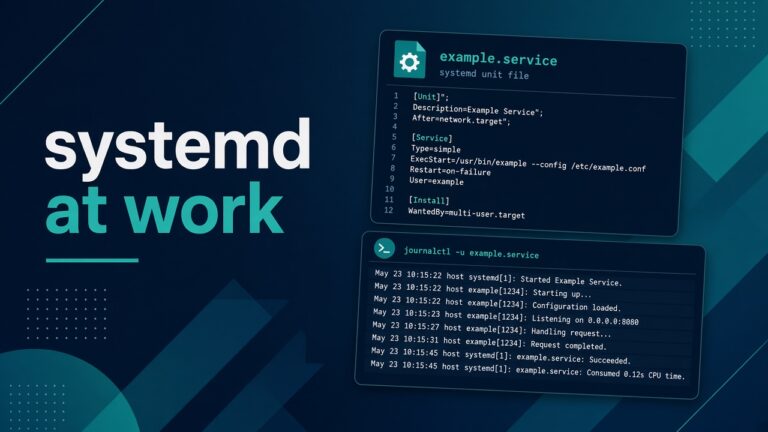
systemd units, journals, restarts, and timers the way junior admins meet them on the job — practical, not encyclopedia.
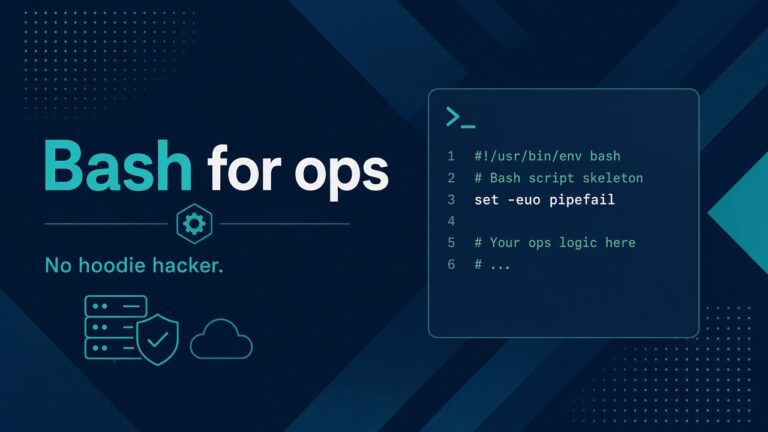
Practical Bash for ops automation: readable scripts, safe defaults, exit codes, and habits that survive 2 AM — not CTF cleverness.

set -euo pipefail, traps, and logs that help at 2 AM — practical Bash error handling for sysadmins.
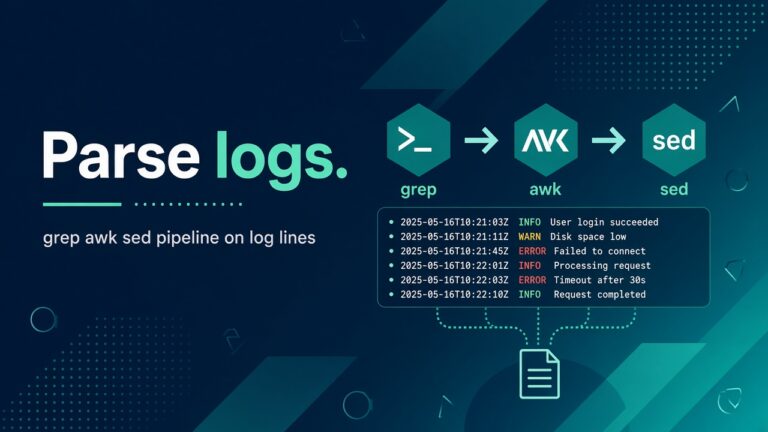
Practical grep, awk, and sed for sysadmins on real log shapes — nginx, auth, journal — without one-liner worship.

Wrap Bash scripts for cron with locks, PATH, logs, timeouts, and exit codes — so night jobs stay boring.

Browser screaming certificate expired? Renew Let’s Encrypt or replace the cert, reload the proxy, and set monitoring so this never ambushes you again.
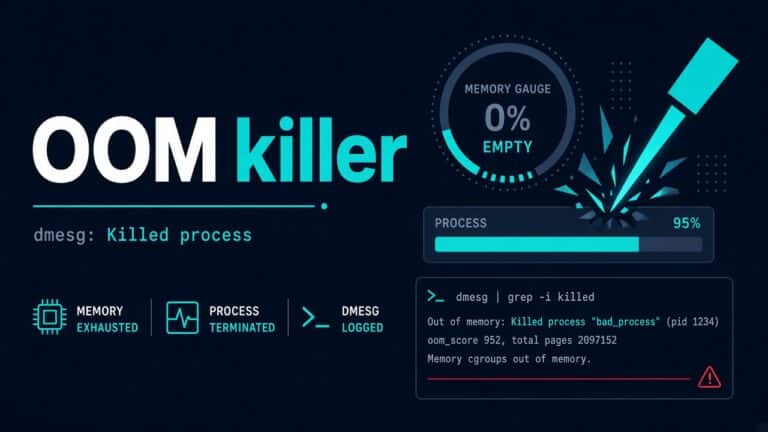
Process vanished? Kernel OOM killer likely shot it. Read dmesg/journal, score victims, and fix memory pressure without cargo-cult swap.

Can’t connect to MySQL/MariaDB? Connection refused means nothing accepted the TCP handshake. Check listen address, socket, service, and firewall in order.
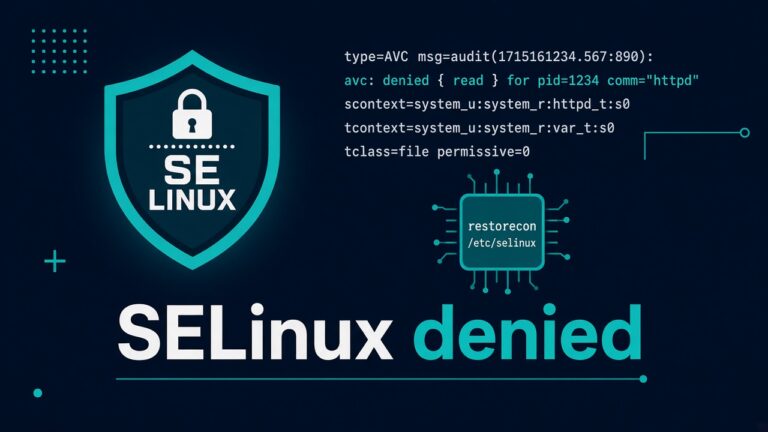
SELinux saying permission denied? Read AVC denials with ausearch/journalctl, fix contexts or booleans — don’t just setenforce 0 and pray.