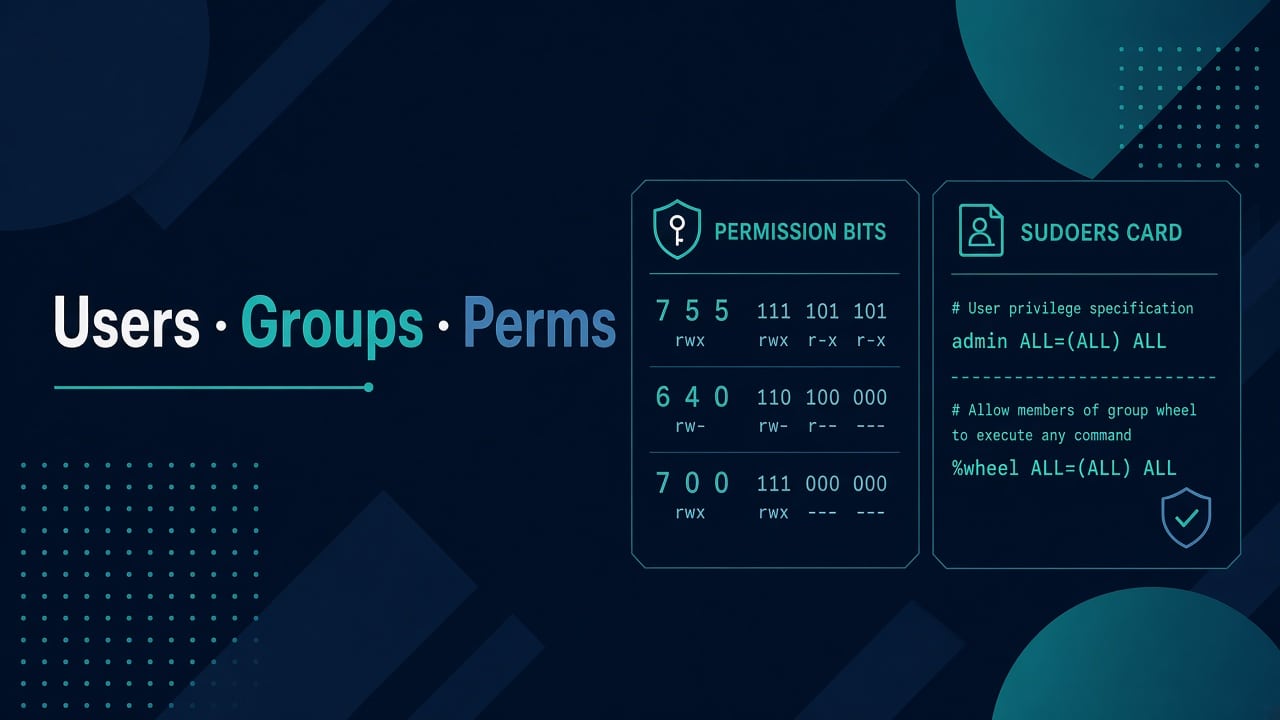
Linux Users, Groups, and Permissions — Job-Ready, Not Textbook
Textbooks love drawing permission octal wheels. Production asks a blunter question: why can’t nginx write to this folder, and why did someone chmod 777 at 1 AM again?
Here’s the job-ready mental model I use with juniors — enough theory to be safe, enough practice to survive tickets. Lab context: cheap Linux lab. Bigger arc: Bootcamp Module 3 and SSH hardening.
Three identities that matter every day
- User — a login or a service account (
www-data,nginx,postgres) - Group — a named set of users for shared access
- Root — break-glass power, not a lifestyle
Apps should not run as root. Humans should not share the root password in a WhatsApp group. Both still happen; your job is to make the boring correct path easier than the wrong one.
See who you are before you change anything
id
whoami
groups
getent passwd deploy
getent group sudo   # or wheel on RHEL-ish
getent beats grepping /etc/passwd when LDAP/SSSD is in play. Interviews love that distinction.
Creating users like an admin (not a tutorial paste)
sudo adduser labadmin          # Debian/Ubuntu interactive-ish
sudo useradd -m -s /bin/bash labadmin   # portable shape
sudo passwd labadmin           # only if password auth is allowed
sudo usermod -aG sudo labadmin # Ubuntu
# Rocky/Alma often:
sudo usermod -aG wheel labadmin
Service accounts usually skip login shells and home drama:
sudo useradd --system --home /var/lib/myapp --shell /usr/sbin/nologin myapp
Document UID expectations if you sync files across hosts. Random UIDs + NFS = permission ghosts.
Permissions without the fog
Every file has owner user, owner group, and mode bits for user/group/other. Directories add the “execute means enter” rule that trips beginners.

ls -l /var/www/html
namei -l /var/www/html/index.html   # walk each path component
namei -l is the underrated tool: it shows which directory along the path denied you. Fixes stop being random chmod spam.
sudo chown -R www-data:www-data /var/www/myapp/uploads
sudo find /var/www/myapp/uploads -type d -exec chmod 2750 {} \;
sudo find /var/www/myapp/uploads -type f -exec chmod 640 {} \;
Setgid on directories (2750 example) keeps new files in the right group for team-shared trees. Prefer group collaboration over world-writable.
The 777 temptation
When something fails, chmod -R 777 “works” and teaches the wrong lesson. You’ve just invited every local process to rewrite the tree. Prefer:
- Confirm the process user (
ps aux, systemdUser=) - Fix ownership or group
- Tighten mode to the minimum that works
- Note the change in the ticket
Dangerous command folklore belongs next to commands that can wipe a server — fatigue + recursive chmod is a classic.
sudo: power with receipts
sudo -l
sudo visudo
Grant least privilege. Prefer group-based sudoers drop-ins in /etc/sudoers.d/ over editing the main file by hand at 2 AM. Never leave NOPASSWD: ALL on shared jump hosts unless you enjoy incident reviews.
When SSH works but sudo surprises you, you’re in identity territory — keys and hardening still matter: publickey denied.
ACLs when groups aren’t enough
Classic modes are 70% of tickets. For the rest, ACLs help:
sudo setfacl -m u:deploy:rwx /var/www/shared
sudo setfacl -m g:devs:rx /var/www/shared
getfacl /var/www/shared
Don’t invent ACL spaghetti on day one. Use them when two teams share a tree and groups alone get messy.
umask and “why are my files 666”
New file modes come from the creating process umask. Cron and systemd services often surprise people because their environment isn’t your interactive shell — related: cron not running and wrapping cron safely.
umask
bash -c 'umask; touch /tmp/t; ls -l /tmp/t'
SELinux/AppArmor: not always “permissions”
On RHEL-ish systems, “Permission denied” can be SELinux. Check before you burn an hour on chmod: SELinux permission denied. Ubuntu’s AppArmor shows up on confined services similarly — read denials, don’t disable the MAC layer casually.
Habits for real systems
How these tools are used on shared servers.
Service users vs human users
Humans need shells, keys, and maybe sudo. Services need a stable UID, a home or state directory, and no login. Mixing them — running nginx as your personal account — creates files you can’t untangle later and makes audits painful.
When an app installer creates myapp, write down the UID/GID in your runbook. On the next host, create the user with the same IDs before restoring data from tar. Mismatched ownership is a silent migrate killer.
Shared directories for small teams
Pattern that works without NFS drama on a single host:
sudo groupadd appeditors
sudo usermod -aG appeditors labadmin
sudo usermod -aG appeditors deploy
sudo mkdir -p /var/www/shared
sudo chown root:appeditors /var/www/shared
sudo chmod 2770 /var/www/shared
Setgid bit keeps new files in appeditors. Train people to umask sensibly. If someone still creates 666 files, fix the umask in their shell profile or the service unit — not with weekly chmod festivals.
Reading failures: EACCES vs “weird”
Permission denied is a gift compared to silent misconfig. Reproduce as the service user:
sudo -u www-data touch /var/www/myapp/uploads/test
sudo -u www-data cat /etc/myapp/secrets.env
If it works as root and fails as the service user, you’ve narrowed it. Don’t “fix” production by running the app as root to unblock a demo — that demo becomes permanent.
Sudoers drop-ins I actually like
# /etc/sudoers.d/myapp-restart
%myappops ALL=(root) /bin/systemctl restart myapp, /bin/systemctl status myapp
Validate with visudo -cf on the drop-in. Prefer command lists over unbounded root. Pair with SSH hardening so sudo isn’t sitting behind a password login on port 22 exposed to the planet — hardening checklist.
Interview soundbites worth owning
- Sticky bit on
/tmp: users can’t delete others’ files - Execute on directories: needed to traverse
- Capabilities and containers exist; classic Unix perms still explain most tickets
- MAC systems (SELinux/AppArmor) add another layer — check before chmod storms
Drill scenarios aloud with interview scenarios. Permissions questions are where candidates either calm down or start guessing octal like lottery numbers.
Special bits without superstition
Sticky (chmod +t), setuid, and setgid show up in interviews. Know sticky on /tmp, be cautious with setuid binaries, and use setgid directories for group collaboration. Don’t sprinkle special bits because a forum comment said so.
find /usr/bin -perm -4000 2>/dev/null | head
ls -ld /tmp
If you inherit a host with wild setuid tools, inventory them before an audit does.
Practice
Job-ready drills
- Create
deployuser; allow sudo only forsystemctl restart myapp - Deploy a directory owned by a service user; prove your human user can read logs via group
- Break access on purpose; repair with
namei -lonly - Explain sticky bit on
/tmpin one sentence in an interview
FAQ
chmod 755 vs 750 for web roots?
Prefer tighter: owner/group as needed, others get nothing unless the web server user is “other” (usually it isn’t — it’s a dedicated user). Know which user serves files.
Should every human have a personal account?
Yes. Shared logins destroy accountability. Audit trails need names.
Password aging policies?
Follow org policy. Keys + SSO beat password sprawl for SSH. Lab: practice key-only early.
How does this show up in interviews?
Scenario answers beat definitions — practice interview scenarios.
Permissions are social contracts encoded in bits. Make the contract readable, minimal, and reversible.