Bash Scripting for Sysadmins (Not Hackers)
Here is a classic way ops scripts go wrong: a “smart” backup script with unquoted variables and a clever rm -rf $DEST/*. Suppose a failed lookup leaves $DEST empty. The command then expands to rm -rf /*, which is far more destructive than intended, and quoting alone would not save you. Use set -u and the ${DEST:?} form so the script stops instead. You can guess the rest. Ops Bash is dull on purpose: it rotates logs, checks disks, wraps restarts, and fails loudly when assumptions die. Clever golf-code belongs in a CTF, not in cron.
This guide is for working sysadmins who need scripts teammates can read at midnight — not hacker one-liners. If you are still learning the machine by hand, automate only after you can do the task manually. Pair later with logging and error handling.
When to script vs when to type
Script when: you have done the task three times, it must be consistent, or it is easy to mess up tired (user creation, cert reload proof, disk watermark checks).
Do not script yet when: you are still discovering the system, or the blast radius is unclear. A bad script at scale is a distributed outage. Start local, log everything, then widen.
Common wrong assumption: “If it ran once interactively, wrapping it in Bash is free.” Interactive shells have different PATH, tty, and cwd than cron or systemd. That is why half of “cron not running” tickets are environment, not time fields — see cron checklist.
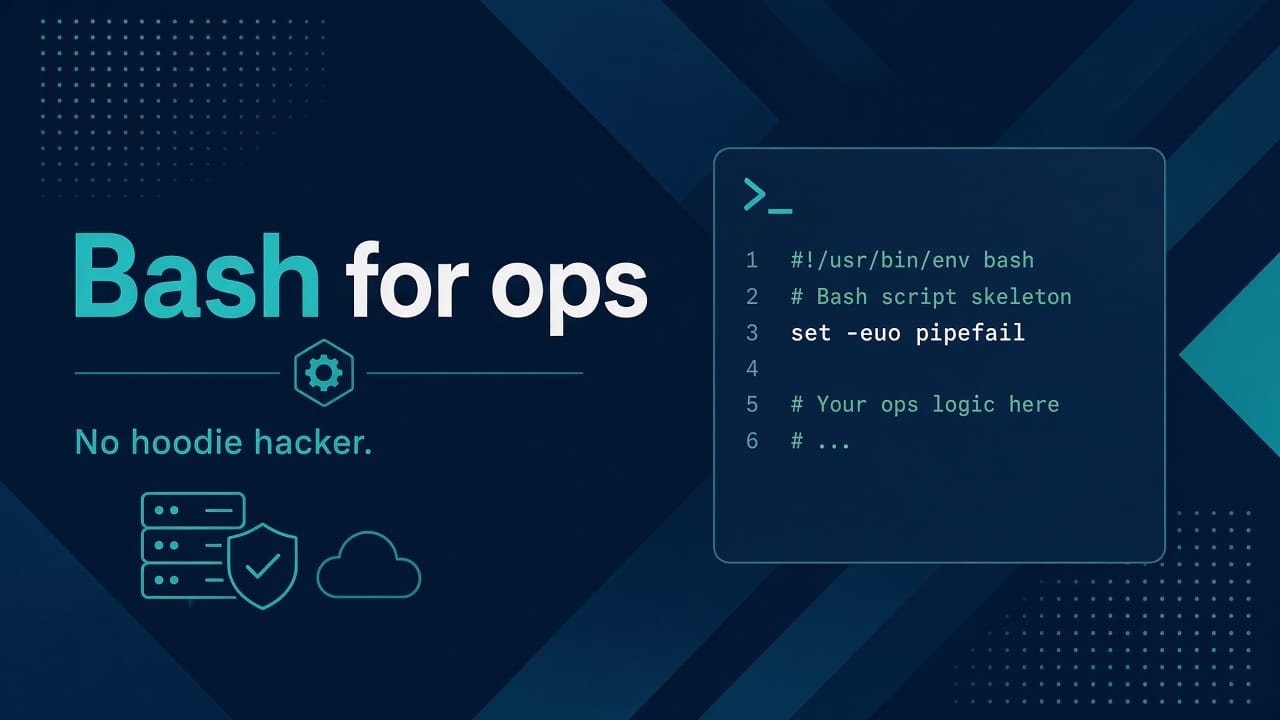
Skeleton I actually reuse
#!/usr/bin/env bash
set -euo pipefail

readonly SCRIPT_DIR="$(cd "$(dirname "${BASH_SOURCE[0]}")" && pwd)"
readonly LOG_FILE="${LOG_FILE:-/var/log/myapp/ops-tool.log}"

log() { printf '%s %s\n' "$(date -Is)" "$*" | tee -a "$LOG_FILE" >&2; }
die() { log "ERROR: $*"; exit 1; }

require_root() { [[ ${EUID} -eq 0 ]] || die "run as root"; }

main() {
  log "start"
  # work
  log "done"
}

main "$@"
Why this shape: set -euo pipefail makes silent failures rarer; absolute paths beat “it worked in my home directory”; one main keeps side effects out of the top level; logging to stderr and a file means cron mail and journald both have a trail.
Tradeoff: set -e is not magic. Commands in if tests and some pipelines still need explicit checks. Treat strict mode as a seatbelt, not autopilot. Deeper patterns live in the logging post linked above.
Quoting is not optional
file=$1
rm -f "$file"          # good
# rm -f $file          # spaces → multiple args → pain
Special characters and globs bite harder than people admit — refresh Linux special characters before you write cleanup tools. Prefer arrays for argument lists:
cmd=(curl -fsS --connect-timeout 3 --max-time 10)
"${cmd[@]}" "$url" || die "curl failed for $url"
Opinion: if a script needs eval, I rewrite it. There is almost always a safer structure. The few exceptions deserve a comment that explains why, and a second pair of eyes.
Exit codes are a contract
0 means success. Non-zero means something a wrapper or cron can detect. Do not exit 0 after a soft failure “so cron stays quiet.” Quiet cron hides outages.
systemctl is-active --quiet nginx || die "nginx inactive"
curl -fsS --max-time 5 http://127.0.0.1:8080/health || die "health failed"
Success look: when you break the dependency on purpose in lab, the script exits non-zero and leaves a log line with enough context to start triage — not just “error.”
Ids, paths, and least privilege
Scripts often run as root via sudo or systemd. Drop privileges when calling app tools if you can. Never hard-code production passwords; read from root-owned files or a secret manager. Baseline: users and permissions.
# prove who you are before destructive work
log "running as $(id) on $(hostname) cwd=$(pwd)"
That one line has saved me from running a prod cleanup while still inside a personal clone of the repo.
Talking to the OS like an admin
Reuse triage ideas; do not invent a new monitoring philosophy on a Friday:
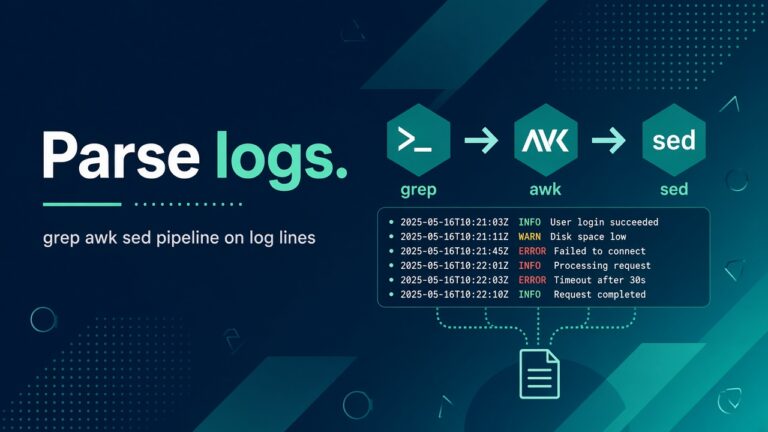
df -hT | awk 'NR==1 || $6+0 > 85'
systemctl is-active nginx || die "nginx inactive"
Disk and systemd failure modes are documented elsewhere on this site — disk full triage, systemd failed. Your script should call the same checks a human would, then stop.
A small useful example: restart with proof
#!/usr/bin/env bash
set -euo pipefail
log() { printf '%s %s\n' "$(date -Is)" "$*" >&2; }
die() { log "ERROR: $*"; exit 1; }

sudo systemctl restart myapp
systemctl is-active --quiet myapp || die "myapp failed to become active"
curl -fsS --max-time 5 http://127.0.0.1:8080/health || die "health failed"
log "restart ok"
Why the curl after systemctl: “active” only means systemd thinks the process is up. Health means the app accepts traffic. Units can flip to active while still binding the wrong socket.
Testing without production
- Run with
bash -xin a lab VM first. - Feed empty and wrong args on purpose.
- Fill a playground mount and watch the script’s reaction — do not discover
rmbehaviour on prod. - Put the script under a systemd unit or cron wrapper and read the logs there, not only in an interactive SSH session.
Dangerous cleanup scripts deserve the same respect as the cautionary wipe story. If you need scheduling habits, use schedule and wrap cron.
If still stuck: reduce the script to the three commands you would type by hand. Make those three reliable. Only then add loops and beauty.
Style rules that keep teammates sane
- snake_case functions; one indent width for the whole file.
- Comments for why, not for
i++. command -v jqbefore using optional tools.- Keep a scripts README with owner, purpose, and last production use date. Orphan scripts are how ghost cron jobs are born — write it once, not six times as filler.
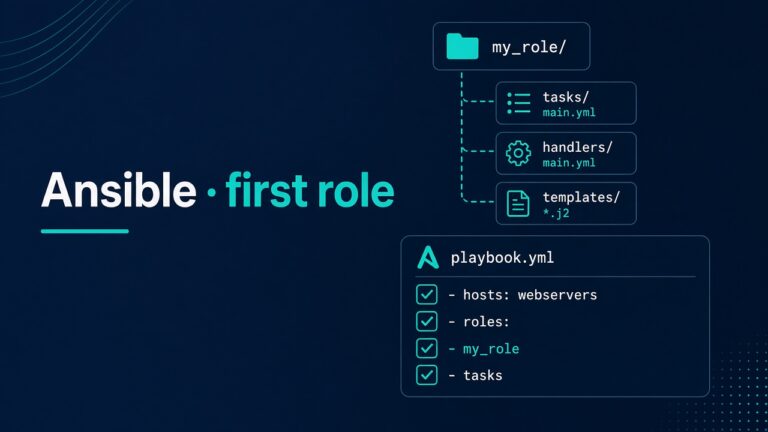
When Bash stops being enough for fleets, graduate to Ansible for the reusable role — scripts still shine for local proofs and one-host glue.
Second example: disk watermark without false calm
Many shops want a cron that emails when disk is hot. The naive version greps df wrong and exits 0 forever. Here is a shape that fails closed:
#!/usr/bin/env bash
set -euo pipefail

THRESHOLD="${THRESHOLD:-85}"
MOUNT="${MOUNT:-/}"

use=$(df -P "$MOUNT" | awk 'NR==2 {gsub("%","",$5); print $5}')
[[ -n "$use" ]] || { echo "could not read df for $MOUNT" >&2; exit 2; }

if (( use >= THRESHOLD )); then
  echo "DISK HOT: $MOUNT at ${use}% (threshold ${THRESHOLD}%)" >&2
  df -hT "$MOUNT" >&2
  exit 1
fi

echo "ok: $MOUNT at ${use}%"
exit 0
Why df -P: POSIX-ish one-line output so awk is stable across distros. Why exit 1 on hot disk: cron and monitoring can detect it. Why print df -hT on failure: the alert should carry proof, not just a vibe.
Wrong assumption: alerting on / only. On many hosts /var or Docker’s data root is a separate mount — it fills while root looks fine. Parameterize MOUNT or loop mounts you care about. Full triage when humans must dig: df, du, lsof, inodes.
PATH, cron, and systemd — where scripts go to die
Your interactive shell has a rich PATH. Cron often has a skinny one. Systemd units have an explicit Environment= and WorkingDirectory= for a reason.
- Use absolute paths to binaries (
/usr/bin/curl) or setPATHat the top of the script. - Do not assume the script’s directory is cwd —
cdtoSCRIPT_DIRwhen you read sibling files. - When wrapping with systemd, prefer a unit with
Type=oneshotfor batch jobs and readjournalctl -uinstead of hunting mail.
# quick proof that cron’s environment is not your SSH session
*/5 * * * * /usr/bin/env > /tmp/cron-env.txt
Compare /tmp/cron-env.txt to env in SSH once. That diff explains more mysterious failures than any forum thread. For wrapping habits, see schedule and wrap cron.
If the script works in SSH but fails in cron: print id, pwd, command -v for every tool you call, and the expanded arguments (carefully redacting secrets) to the log on start. Fix the environment before rewriting logic.
FAQ — real doubts
Should every script be idempotent?
Aim for it. At least make re-runs safe: checking before creating, refusing to delete without an explicit flag, locking with flock if two crons can overlap.
Is set -euo pipefail enough?
No. It helps. You still need explicit checks around greps that “fail” when there is no match, and around pipelines where only the last command’s status is visible unless pipefail is on (which is why we set it).
When do I move from Bash to Ansible/Python?
When you are configuring many hosts, need inventory, or the script is mostly YAML-shaped desired state. Bash remains right for thin wrappers and host-local proofs.
How do I stop cron from silently “succeeding”?
Non-zero exits, logs on disk, and a wrapper that mails or alerts on failure. Silence is not stability.
Sources
- GNU Bash Reference Manual
- ShellCheck, for catching common script mistakes before they run