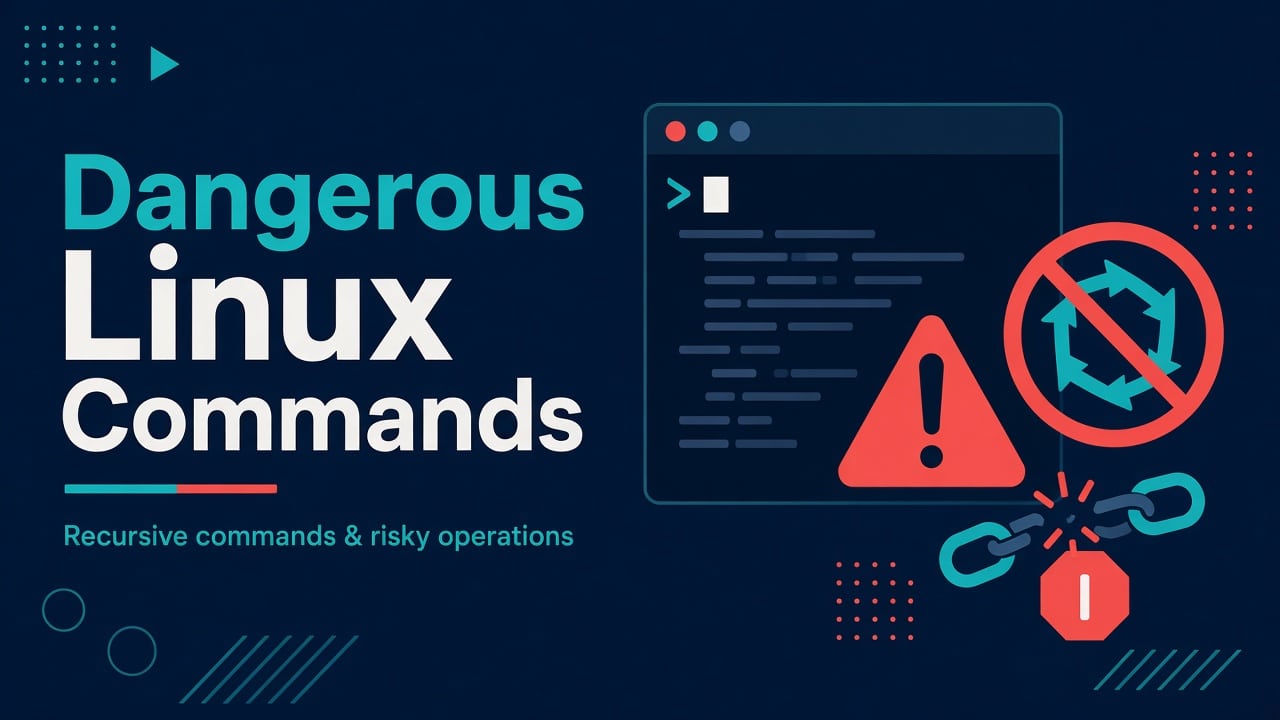
The Linux Commands That Can Wipe a Server (And How to Check Before You Run Them)
There is a particular kind of silence after you hit Enter on the wrong command.
Not dramatic movie silence — the worse kind. The kind where ls returns nothing useful, monitoring starts paging, and your brain replays the command you thought you typed.
This is not a “Linux is scary” post. Linux is predictable. Humans under fatigue are not. These are the commands and patterns that most often turn a routine change into an outage — and the boring habits that keep you employed.
If you’re early in your journey, pair this with what Linux actually is and a structured beginner roadmap. Power without habits is how outages get their origin stories.
Ground rules before you touch production
- Production is not your learning environment. Break a VM. Use snapshots. Use
scriptor shell history with timestamps. - Read the expanded command. Especially with variables and globs.
- Prefer
--end-of-options and absolute paths when deleting or chmod’ing. - One irreversible action per change window when you can help it.
Special characters and shell quoting deserve their own respect — we covered a chunk of that in Linux special characters. Half of “I didn’t mean to delete that” is a quoting bug.
1) rm -rf — the celebrity villain (for good reason)
Everyone knows the meme. People still run variants of it tired at 1:40 AM.
How it actually goes wrong
- Wrong variable:
rm -rf ${BUILD_DIR}/whenBUILD_DIRis empty → you’re suddenly looking atrm -rf /behavior depending on how you wrote it. (Modernrmon many systems refuses/, butrm -rf /*or emptying a critical path is enough damage.) - Wrong directory: You thought you were in
/var/build/tmp. You were in/var. - Copy-paste from Slack: Someone’s “cleanup” snippet assumed a path that doesn’t exist on your box.
A near-miss pattern worth knowing
# looks fine until TMPROOT is unset
rm -rf ${TMPROOT}/cache/*
With set -u this blows up safely. Without it, you may delete from a path you never intended — or no-op in a way that fools you into running something worse next.
Habits that help
- Use
rm -rf -- "$dir"and never type the path twice by hand; tab-complete once fromls. - For bulk deletes:
find ... -printfirst, then-deleteor-exec rmafter eyeballing. - Alias
rmtorm -ion interactive jump hosts (controversial, but it has saved juniors). Don’t rely on aliases in scripts. - Snapshots / EBS / ZFS / LVM before “big cleanup” windows.
A cleanup script runs rm -rf $HOME/$APP/tmp/*. A stale $APP from an old env file points at a different application, so the script clears that application’s tmp directory, including the config symlinks stored there. Restoring from backup might take 45 minutes and the root-cause meeting another 90. The echo dry run that would have caught it takes 10 seconds.
2) chmod -R and chown -R on / (or close enough)
Recursive permission changes feel productive. They are also how you invent a unique snowflake server that nobody can SSH into.
Classic failures
chmod -R 777 /var/www   # "just make it work"
chown -R www-data: /    # missing path, fat-finger
chmod -R 644 /etc       # directories need execute bit
That last one is subtle: directories without the execute bit become untraversable. Suddenly “permission denied” everywhere and half your tools look haunted.
Safer patterns
- Change the smallest subtree that fixes the bug.
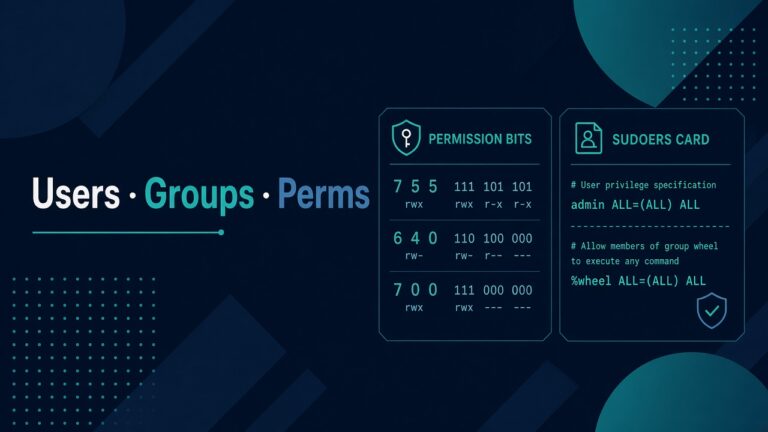
- For web roots: understand setgid directories and ACL (
setfacl) instead of777. - After any recursive chmod/chown, verify SSH, sudo, and the app with a fresh session before you disconnect.
If you’re on Windows side sometimes too, different tools break differently — our note on wmic not recognized on Windows 11 is a reminder that “the old command” biting you isn’t Linux-only.
3) Wildcards and brace expansion — silent overreach
Globs are wonderful until they match more than your brain previewed.
rm -f backup-2026-09-*.tar.gz
Looks safe. Then you realize naming was inconsistent and backup-2026-09-prod-final.tar.gz matched too — or the opposite, the glob matched nothing and a script continued with a wrong assumption.
Redirect gotchas
cat *.log > all.log
If all.log already exists in the directory, some shells include it in the expansion and you can truncate/mangle while reading. People still hit variants of this.
Habits
echo rm -f backup-2026-09-*.tar.gzorprintf '%s\n' backup-2026-09-*.tar.gzbefore the real thing.- Enable
failglob/nomatchbehavior in interactive shells when you want unmatched globs to error. - Put outputs outside the globbing directory.
4) dd — still the disk destroyer
dd if=/dev/zero of=/dev/sdX with the wrong device letter has ended more careers than exotic kernel bugs.
Modern alternatives when possible
cp,install,pv, vendor imaging tools- For block copy: double-check with
lsblktwice, compare serials, require a typed confirmation in wrappers
Wrap dangerous imaging in a script that prints the target model/serial and demands you retype the device path.
5) Piping curl to bash
curl -fsSL https://example.com/install.sh | bash
Convenient. Also equivalent to trusting a full remote executor on your machine.
When teams still do it
Internal bootstrap over locked-down HTTPS with checksums and pinned versions — maybe. Random blog snippet on a production bastion — no.
Safer flow: download, verify checksum/signature, read the script, then run.
Bug bounty learners: this is the same class of mistake as trusting client-side checks. Skepticism transfers. (Homepage promise of Bug Bounty content starts with habits like this.)
6) Redirection and > on the wrong file
command > /etc/important.conf
You meant >> or a temp file + mv. Instead you truncated a config to zero bytes and the service won’t start.
Habits
- Edit with
vim/nvimor write to*.tmpandmvatomically. - For automated writes: keep previous file as
.bak.TIMESTAMP. - Use
install -mor config management (Ansible) so the file has a source of truth outside the box — see the SysAdmin → DevOps roadmap.
7) Background jobs, nohup, and killing by pattern
pkill java
killall node
Production box runs more than your one process. Pattern kills are how you take down monitoring agents “by accident.”
Use PID files, systemd unit stops, or container orchestration kill paths. If you must pattern-match, list first: pgrep -a java.
A personal checklist before irreversible commands
Print this near your monitor if you need to:
- Which host am I on? (
hostname, mottd, shell color per env) - Which directory? (
pwd) - Which user? (
whoami— root vs deploy) - What does the glob match? (
printf '%s\n' ...) - Is there a snapshot/backup?
- Can I dry-run?
- Am I too angry/tired? If yes, stop.
Environment-colored prompts (red for prod) have prevented more disasters than any fancy tool.
Recoveries that sometimes work (don’t bet the farm)
rm: extundelete / photorec / provider snapshots / object storage versioning. Often too late for busy disks.- chmod/chown disasters: rebuild from config management; keep a rescue SSH key and console access (cloud serial/SOP).
- Truncated configs: your Git history and Ansible repo are the real backup.
The lesson is not “know forensic recovery.” The lesson is make recovery boring by never needing the clever path.
Teaching juniors without traumatizing them
Give them a disposable VM and a scavenger hunt:
- Deliberately unsafe commands in a README marked DANGER
- Ask them to rewrite each with a safe workflow
- Grade the habits, not the speed
Fear alone creates cargo-cult superstition (“never use rm”). Habits create professionals.
FAQ
Does rm -rf / still work on modern Linux?
Many builds of rm refuse to remove / without explicit overrides. That does not make recursive deletes safe. Relative paths, globs, and wrong variables still wreck systems daily.
Is chmod 777 ever okay?
Almost never on multi-user or production systems. Prefer correct owners, group bits, and ACLs. 777 is a debugging shortcut that becomes permanent debt.
Should I disable root login because of these risks?
Root via password is its own problem. Key-only admin access, sudo with logging, and a production SSH hardening checklist reduce blast radius when mistakes happen.
What’s the single best preventive tool?
For individuals: dry-run + colored prod prompts + sleep. For teams: config management and immutable-ish infrastructure so a box can be shot and replaced.
How do I practice safely?
Local VMs, cloud sandboxes with spend caps, and deliberately broken labs. Never practice irreversible commands on shared staging without a restore plan.