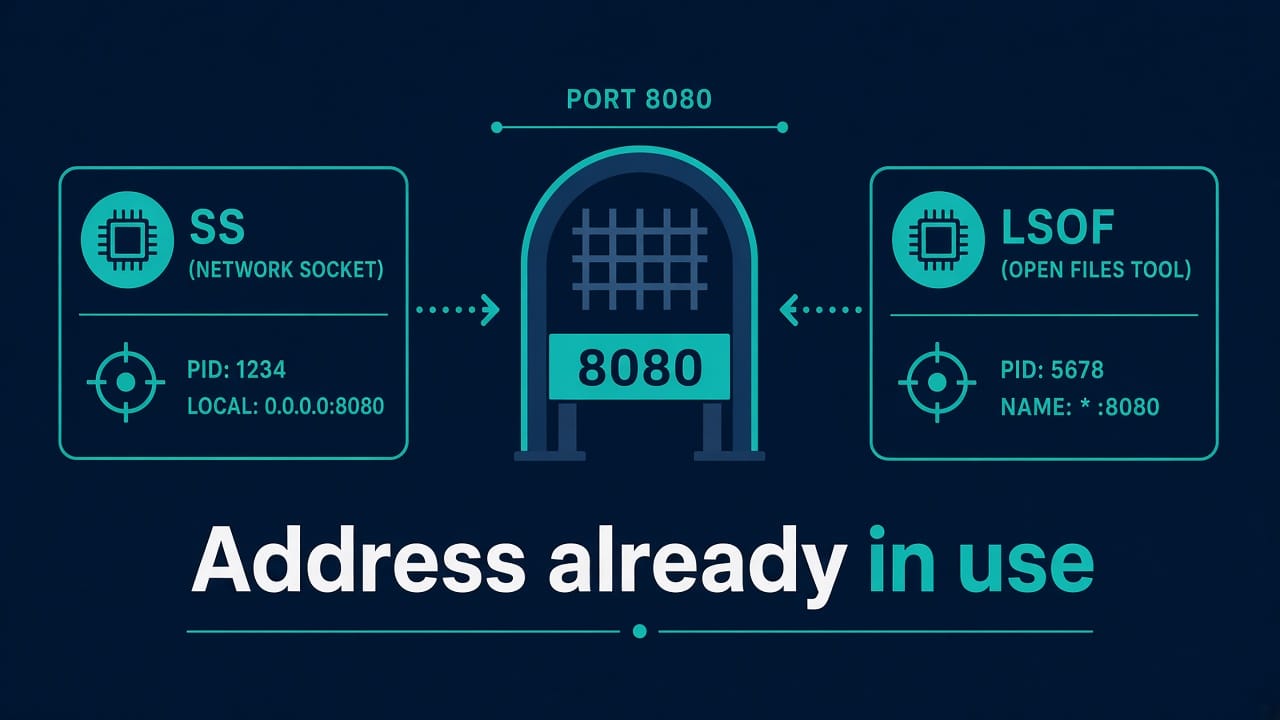
Address Already in Use: Find and Free the Port on Linux
You start nginx, node, a second Postgres, or your homegrown API and the kernel shrugs: Address already in use (EADDRINUSE). Something is already bound to that IP:port. Your job is to find what without shooting the wrong PID.
This is one of those evergreen issues that never leaves Reddit or ServerFault because every stack reinvents a listener. Here’s the checklist that stays valid for years.
If networking fundamentals still feel fuzzy, skim the beginner roadmap and remember: ports are just process contracts with the kernel — not mysteries.
Confirm the bind failure
App logs usually say which port. If not, reproduce with the same user and config. Note whether it’s IPv4 (0.0.0.0:8080), IPv6 ([::]:8080), or a specific address. Dual-stack surprises are real: something on :: can block what you thought was only IPv4 depending on sysctl settings.
Find the listener (prefer ss)
sudo ss -tulpn | grep ':8080'
# or
sudo ss -ltnp 'sport = :8080'
Flags worth knowing:
-tTCP,-uUDP-llistening-nnumeric (don’t resolve names)-pprocesses (needs root for others’ procs)
Legacy but fine:
sudo lsof -iTCP:8080 -sTCP:LISTEN
sudo netstat -tulpn | grep 8080   # if netstat still exists
You want the PID and the command name. Write them down before you kill anything.
Is it “your” service or a stranger?
ps -fp PID
systemctl status PID
# or
systemctl status your-app.service
Often it’s:
- A previous instance you didn’t stop
- Docker publishing the same host port
- package-default nginx/apache still enabled
- a sidecar or health-check agent
- a stuck TIME_WAIT situation (less often for listen conflicts — TIME_WAIT affects outbound more; for listen, it’s almost always another listener)
Docker special case:
docker ps --format 'table {{.ID}}\t{{.Names}}\t{{.Ports}}'
Host port published by a container won’t always look obvious in ss until you notice docker-proxy.
Free the port safely
- Stop the owning service cleanly:
systemctl stop ...or app’s native stop. - If it’s a stray process:
kill PIDthen wait;kill -9only if it ignores SIGTERM and you accept the risk. - If it’s Docker: stop the container, don’t random-kill docker-proxy first.
- Retry bind. If it still fails, re-check
ss— another process may have grabbed it.
Killing blindly is how you take down the production reverse proxy that was “mysteriously” on 443. Read the process list twice. The same caution mindset as dangerous Linux commands applies.
SO_REUSEADDR myths and TIME_WAIT
Developers sometimes shout “REUSEADDR!” Clients in TIME_WAIT don’t usually prevent a new listen on the same port the way people think — another listening socket does. If you’re binding a specific local port for outbound connections, that’s a different design smell; prefer ephemeral ports.
If you recently crashed a server that used SO_REUSEPORT or multiple workers, make sure all workers are gone.
Permissions and privileged ports
Binding below 1024 needs capabilities or root. Failure modes differ (EACCES vs EADDRINUSE), but mixed troubleshooting happens when someone raises the app port to 8080 “temporarily” and forgets two copies running.
For production, terminate TLS on a reverse proxy and keep apps on high ports — cleaner restarts, fewer privileged processes. That pattern shows up throughout sensible DevOps roadmaps.
Prevent the next conflict
- One unit owns one port — document it in the runbook.
- In compose/K8s, be explicit about host port mapping; avoid accidental duplicates across stacks.
- Use
systemdsocket activation carefully; understand who listens. - CI smoke-test: fail the deploy if
ssshows an unexpected occupant (where appropriate).
If the service fails to start and systemd just says failed, dig with journalctl triage — port conflicts often appear as app-level errors in the journal.
Also keep remote access sane while you debug over SSH: SSH hardening checklist.
Quick reference commands
# who listens on 443
sudo ss -ltnp 'sport = :443'

# kill only after identification
sudo kill TERM_PID

# docker ports
docker ps
Worked example: nginx vs a forgotten Python server
You enable a site on port 80. nginx fails. ss -ltnp 'sport = :80' shows python3 from a leftover http.server demo in a screen session from last week. You kill that PID (after confirming), start nginx, and add a note to the runbook: demos bind to high ports only.
Comedy variant: two docker-compose projects both mapping "80:80" on the same host. The second project fails mysteriously in CI but “works on my laptop” where the first stack isn’t running.
Edge cases
Less common reasons a port looks taken.
IPv6 dual-stack surprises
sudo ss -ltnpu | grep -E ':80|:443|:8080'
sysctl net.ipv6.bindv6only
Depending on settings, a listen on :: may also cover IPv4. Developers binding 127.0.0.1 vs 0.0.0.0 vs :: will see different conflict behavior. Be explicit in app config and reverse proxy config.
Ephemeral port exhaustion (related but different)
Outbound connections can fail when local ephemeral ports are exhausted under NAT or with too many TIME_WAIT sockets. That’s not the same as “listen address already in use,” but tickets often blur them. Check:
ss -s
cat /proc/sys/net/ipv4/ip_local_port_range
Tune only with understanding — and prefer fixing connection leaks in the app.
Security groups vs host listeners
Cloud NSGs block traffic but don’t free ports. You can have a free port with no listener, or a listener nobody can reach. Diagnose locally with ss first, then connectivity from outside with nc -vz / Test-NetConnection.
Documentation template
For each service in the inventory: port, protocol, unit/container name, owner, and whether the port is public. When EADDRINUSE hits, that table ends the debate in minutes instead of hours.
Containers, host network, and “ghost” listeners
In Docker bridge mode, published ports show up via docker-proxy or iptables DNAT. In network_mode: host, the container binds exactly like a host process — easier to confuse with a bare-metal nginx.
Kubernetes adds NodePort/LoadBalancer layers: the conflict might be on the node, not inside your pod. Always ask which namespace you’re debugging.
# busybox-style check from another container/network ns if needed
sudo nsenter -t PID -n ss -ltnp
SELinux/AppArmor oddities
Rarely, security modules make a bind fail in ways apps misreport. If ss shows nothing and the app still claims EADDRINUSE, read the app error carefully — it might actually be EACCES. Check audit logs before killing random PIDs.
Checklist card for your wallet (metaphorically)
- Exact IP:port:protocol from the error
ss -ltnupfiltered to that port- PID → package/unit/container
- Stop cleanly; verify listener gone
- Start intended service; verify health endpoint
- Update inventory doc
Practice
Lab exercise
Terminal A: python3 -m http.server 8080. Terminal B: start it again; read the error. Use ss to find the PID; stop cleanly; restart. Then publish the same port with a tiny Docker run and observe docker-proxy. Delete the container when done.
FAQ
ss shows nothing but the app still says in use?
Check IPv6 vs IPv4, different namespaces (containers), and whether you’re looking at UDP vs TCP. Also confirm you’re on the same machine (yes, really — wrong bastion happens).
Can two services share a port?
Normally no for TCP listen. SO_REUSEPORT allows cooperative sharing by design (e.g., multiple workers). Accidental sharing is not a feature.
Why does it happen after a crash?
Old process still running, or supervisor started a duplicate, or container recreated with overlapping publish.
Is changing the app port the right fix?
Fine for local dev. In prod, prefer stopping the unexpected occupant and keeping the documented port stable for firewalls and clients.
How do I check from another host?
Remote scanners only see what network policy allows. Diagnose listeners on the host itself with ss.