DNS Not Resolving on Linux: Checklist That Actually Works
Ping by IP works. Curl by hostname hangs or says Could not resolve host. Half the team blames “the internet.” The other half starts rewriting /etc/resolv.conf with sticky notes.
DNS on modern Linux is a small stack: stub resolver → (systemd-resolved / NetworkManager / dnsmasq) → upstream resolvers → authoritative servers. Failures happen at every layer. Here’s a checklist that stays useful whether you’re on Ubuntu 24.04, Rocky, or a weird appliance image.
If you’re still building foundations, what Linux is and the beginner roadmap help; DNS is one of those topics that rewards a calm method.
Step 1 — Separate “no DNS” from “no network”
ip -br a
ip r
ping -c2 1.1.1.1
ping -c2 8.8.8.8
If raw IPs fail, fix routing/firewall/interface first. DNS tools will only confuse you. If IPs work but names fail, continue.
Step 2 — Ask the stub resolver what it thinks
cat /etc/resolv.conf
ls -l /etc/resolv.conf
resolvectl status 2>/dev/null || systemd-resolve --status 2>/dev/null

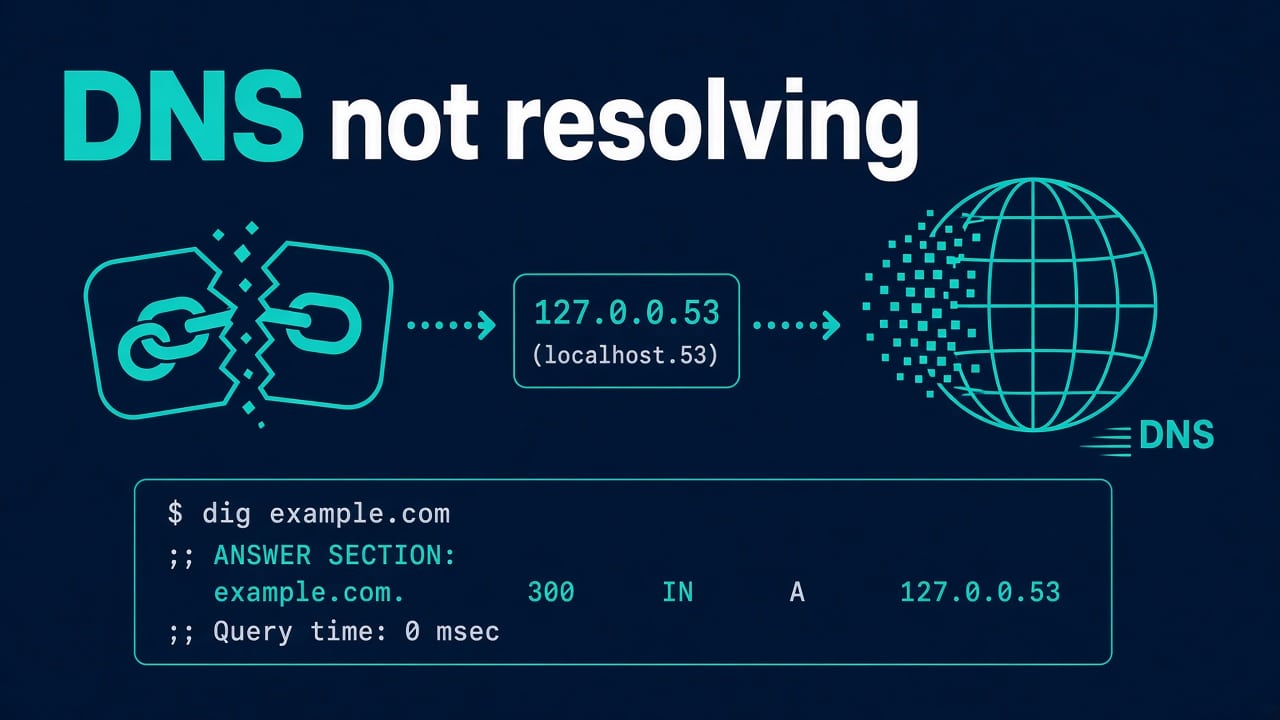
On many distros /etc/resolv.conf is a symlink to systemd-resolved’s stub (127.0.0.53). Editing that file by hand gets overwritten — or breaks the symlink and “fixes” nothing lasting.
Look for:
- nameserver addresses
- search domains
- whether the file is managed (symlink vs static)
Step 3 — Test with dig the right way
dig example.com
dig example.com @1.1.1.1
dig example.com @127.0.0.53
dig +short example.com
getent hosts example.com
- Works with
@1.1.1.1but not without → local stub/forwarder problem. - Fails even with
@1.1.1.1→ upstream blocked (firewall, captive portal, corporate filter) or weird routing. getent hostsuses NSS (/etc/nsswitch.conf) — can fail differently than dig if files/mdns order is odd.
Also try an internal name if you’re on VPN/split DNS. Public resolvers won’t know apps.corp.local.
systemd-resolved specifics
resolvectl query example.com
resolvectl dns
resolvectl domain
resolvectl flush-caches
Per-link DNS from DHCP/VPN often shows up in resolvectl status. VPN clients that don’t register DNS correctly are a top cause of “office Wi-Fi works, VPN breaks internal names” and the reverse.
If resolved is dead:
systemctl status systemd-resolved
journalctl -u systemd-resolved -b --no-pager
Service failures dig into the same skills as systemd unit troubleshooting.
NetworkManager and traditional ifcfg
nmcli dev show | egrep 'IP4.DNS|IP4.DOMAIN|GENERAL.CONNECTION'
nmcli connection show "Your Connection" | grep ipv4.dns
Set DNS on the connection profile, not by waging war on resolv.conf:
nmcli con mod "Your Connection" ipv4.dns "1.1.1.1 9.9.9.9"
nmcli con mod "Your Connection" ipv4.ignore-auto-dns yes   # if DHCP DNS is poison
nmcli con up "Your Connection"
On servers without NM, configure the distro network stack (netplan, wicked, systemd-networkd) properly so the chosen resolver stays authoritative.
nsswitch, hosts files, and “it resolves on one box”
grep hosts /etc/nsswitch.conf
getent ahosts example.com
cat /etc/hosts
A stale /etc/hosts entry overrides DNS and causes “works everywhere except this server” mysteries. mdns/Avahi entries can also surprise you on desktops.
Corporate / split-DNS / split-horizon
Symptoms: public site resolves, internal services don’t (or vice versa).
- VPN DNS push ignored by resolved
- Wrong search domain
- Using a public resolver for internal zones
- Firewall allowing UDP/53 to internet but not to corp DNS
Fix by ensuring internal domains are routed to internal resolvers (resolved routing domains, NM domain settings, or corporate VPN scripts that actually work).
Docker and containers
Containers may use embedded DNS (127.0.0.11) via Docker. Host DNS broken → container DNS broken. Compose dns: overrides help for apps but don’t ignore the host.
If an app fails with connection errors after DNS starts working, you may have moved on to port or service issues — see address already in use and service logs.
Firewall gotchas
UDP/53 blocked outbound; “helpful” security tools intercepting DNS; IPv6 DNS configured but IPv6 path broken (disable or fix AAAA path). Test:
dig example.com A
dig example.com AAAA
Stable fix pattern
- Prove IP connectivity.
- dig @public vs dig via stub.
- Inspect who manages resolv.conf.
- Fix the manager (resolved/NM/netplan), not only the file.
- Flush caches; retest internal + external names.
- Document the resolver source of truth for that host class.
For remote recovery when you’re locked in a half-broken network namespace, console access and sane SSH still matter — SSH hardening includes break-glass thinking. Career-wise, networking depth shows up constantly in the SysAdmin → DevOps path.
Worked example: VPN kills internal DNS
Laptop resolves public sites. After VPN connect, git.corp.example fails. resolvectl status shows the VPN link has no DNS servers or domains registered. Public DNS answers NXDOMAIN for internal names.
Fix options depending on the VPN client:
- Push DNS and search domains correctly from the VPN concentrator
- Configure resolved routing domains for
~corp.example - NM dispatcher scripts (last resort — brittle)
Prove with:
resolvectl query git.corp.example
dig git.corp.example @10.0.0.53
More DNS situations
Cases that show up less often but cost the most time.
netplan example (Ubuntu servers)
network:
  version: 2
  ethernets:
    eth0:
      dhcp4: true
      nameservers:
        addresses: [10.0.0.53, 1.1.1.1]
        search: [corp.example]
Apply with netplan try when you have console access — netplan apply over SSH can strand you if you typo the gateway.
Caching and negative answers
NXDOMAIN can be cached. After fixing authoritative DNS, flush stub caches and client app caches (browsers love DNS caching too). Short TTLs help during migrations; don’t leave tiny TTLs forever without reason.
Security tooling that “helps”
DNS filtering agents, edr “protective DNS,” and forced DoH can make [email protected] behave differently from Chrome. Know what your fleet forces. Debugging without that context wastes afternoons.
Write it down for the next outage
Per environment: which resolver is authoritative for which zones, who owns the DNS servers, and how VPN clients receive DNS. Glue that to your network runbook next to the port inventory.
DoH / DoT confusion on desktops
Browsers may use DNS-over-HTTPS independently of system resolvers. Site loads in Chrome but curl fails (or the reverse). Always test with dig/curl when validating system DNS, and remember browser behavior is not the OS stub.
Practice
Lab exercise you can finish in twenty minutes
On a disposable VM, note your working DNS. Switch the connection to a deliberately bad nameserver (e.g. 203.0.113.1). Confirm failure with dig and curl. Restore via NM/netplan/resolved — not by inventing a permanent hack in a deleted resolv.conf. Write three bullet notes: symptom, layer that failed, fix. That note becomes interview gold.
Bonus: resolve an internal name while on a fake “VPN DNS” setup using resolved domain routing if your distro supports it cleanly.
FAQ
Is it OK to hardcode 8.8.8.8 everywhere?
Fine for a lab. For corp/prod, use resolvers that know your private zones and meet policy. Blind public DNS breaks split-horizon.
Why does curl fail but dig works?
Different code paths, NSS, proxy env vars (HTTP_PROXY), or curl talking Happy Eyeballs/IPv6 oddly. Check getent and curl -4/-6.
Do I need to reboot after DNS changes?
Almost never. Restart NM/resolved or bounce the connection; flush caches.
DNS works for root but not for my user?
Rare for DNS itself — more often proxy env in the user shell, or container vs host confusion.
How do I see the TTL / caching?
dig shows TTL; resolvectl flush-caches clears the stub cache on systemd systems.