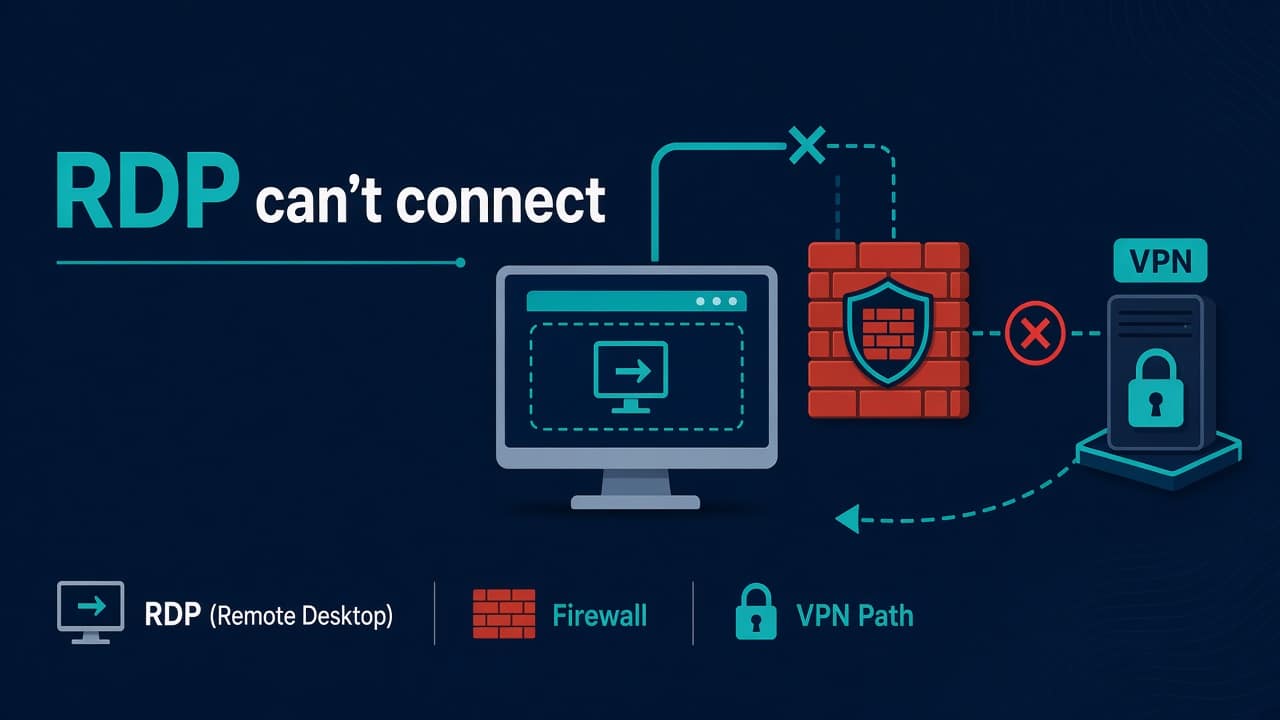
Can’t Connect via RDP on Windows: Admin Checklist
User: “RDP isn’t working.” Translation: anything from wrong password to a dead NIC to Group Policy to the laptop being on a guest Wi-Fi that blocks outbound 3389. You’re the admin. Let’s run a checklist that works on Windows 10/11 and Windows Server without the corporate fluff.
Linux folks reading along: same troubleshooting spirit as SSH failures — prove the listener, prove the path, then prove auth. Our SSH publickey denial guide is the cousin of this post.
Quick symptom split
- Immediate fail / can’t find computer — name resolution, VPN, wrong host
- Hangs then timeout — firewall, routing, RDP service not listening, ISP blocking 3389
- Reaches auth then denies — credentials, NLA, account lockout, “user must change password”
- Connects then drops — session limits, RDS licensing, GP, unstable network
On the target PC/server (local or console)
1) Is Remote Desktop enabled?
Settings → System → Remote Desktop → On (client OS). On Server: Server Manager / System Properties → Remote tab.
Registry/GPO may override the GUI. If GPO says no, the toggle will fight you.
2) Is the service running?
Get-Service TermService
Get-NetTCPConnection -LocalPort 3389 -ErrorAction SilentlyContinue
You want TermService running and something listening on 3389 (or your custom port).
3) Firewall — the usual suspect
Get-NetFirewallRule -DisplayGroup "Remote Desktop" | Get-NetFirewallPortFilter | Format-Table
Enable-NetFirewallRule -DisplayGroup "Remote Desktop"
Also check network profile: Public vs Private. RDP rules often don’t apply the same on Public. Corporate third-party AV firewalls have their own opinions.
4) Network Level Authentication (NLA)
If NLA is required and the client is ancient or broken, auth fails early. For break-glass you might temporarily relax NLA via System Properties — then fix the client and turn NLA back on. Don’t leave servers friendlier than they need to be on the open internet.
Client-side checks
- Correct hostname/IP; try IP to skip DNS
- VPN connected if the host is internal-only
- Outbound 3389 allowed on client firewall / hotel Wi-Fi
- Use the built-in Remote Desktop client; test from a second machine to bisect
- Clear cached credentials that might be wrong
mstsc /v:host.example.com
DNS and name games
If IP works but name doesn’t, fix DNS/hosts — same class of problem as DNS not resolving on Linux, different OS. For AD-joined machines, check secure channel / time skew if auth is weird.
Cloud and port mapping
- NSG / security group allows your admin IP to 3389
- Public IP changed after stop/start
- Just-in-time access (Azure JIT) not requested
- Bastion / Gateway required by design — RDP direct is blocked on purpose
Exposing RDP to 0.0.0.0/0 on the internet remains a bad idea in 2026. Prefer VPN, Bastion, Zero Trust portals, or brokered access. Same philosophy as not leaving SSH wide open in the SSH hardening checklist.
Account and policy landmines
- User not in “Remote Desktop Users” (or equivalent group)
- Account locked / expired / “deny logon through Remote Desktop” user right
- RDS session limit / “administrator is signed in” old dual-session confusion on client Windows
- Licensing mode issues on RD Session Hosts (event logs under TerminalServices-*)
# who can RDP (local)
net localgroup "Remote Desktop Users"
Event logs worth opening
- Microsoft-Windows-TerminalServices-LocalSessionManager/Operational
- Microsoft-Windows-TerminalServices-RemoteConnectionManager/Operational
- Security log for logon failures
- System log for TermService crashes
Admin checklist (print)
- Console access works?
- TermService running; listener on expected port
- Windows firewall + AV + cloud SG
- Network profile Private/Domain as expected
- Client VPN / route / DNS
- User group membership + NLA
- Event logs for the auth failure reason
- Long-term: remove public RDP exposure
Windows toolchains change — if classic utilities vanished from PATH on newer Windows, you may also hit issues like WMIC not recognized on Windows 11. Prefer maintained PowerShell cmdlets going forward.
Still deciding how deep to go on Linux vs Windows in your career? Honest take: Is Linux worth learning in 2026?
Less common causes
Check these once the quick checks above come back clean.
Custom RDP port
If you changed the port via registry, clients must use host:port, and firewall rules must match. Document it or you’ll page yourself.
Worked example: home user, corp laptop, split tunnel
RDP to an internal jump box fails from home. VPN shows connected. Test-NetConnection jumpbox -Port 3389 fails. Cause: split tunnel doesn’t include the jumpbox subnet, or name resolves to an internal IP while traffic hairpins wrong.
Fix: confirm DNS suffix and routes (Get-NetRoute, Resolve-DnsName), then connectivity. Don’t reset Windows Firewall first when the packet never leaves the laptop correctly.
PowerShell snippets worth keeping
# listener
Get-NetTCPConnection -State Listen | Where-Object LocalPort -eq 3389

# firewall
Get-NetFirewallProfile | Format-Table Name, Enabled
Get-NetFirewallRule -DisplayGroup "Remote Desktop" | Where-Object Enabled -eq True

# quick remote probe from client
Test-NetConnection computer.example.com -Port 3389
RDS / Broker environments
In full Remote Desktop Services deployments, brokers, gateways, and session hosts add layers. A “can’t connect” ticket may be gateway cert expiry, broker database, or licensing — not the single-user RDP toggle. Check Server Manager RDS dashboards and gateway event logs before rebuilding a session host.
MFA and Conditional Access
If RDP is federated through a gateway or Azure Virtual Desktop style stack, Conditional Access can block legacy clients. Update clients, or adjust policy deliberately with security team buy-in — don’t disable MFA to “make RDP work.”
Hardening reminders (while you have the hood open)
- Restrict source IPs / require VPN
- Keep NLA on
- Patch monthly; watch for RDP-related CVEs
- Prefer dedicated jump hosts over RDP-to-every-app-server
- Audit who sits in Remote Desktop Users
Certificate warnings vs hard failures
Self-signed RDP certs produce warnings users click through. Expired or mismatched gateway certificates can block connections entirely. Check RD Gateway cert expiry calendars like you check domain TLS — put it in the same renewal process.
Clipboard / drive redirect red herrings
Users report “RDP broken” when they mean clipboard redirect GPO disabled. Separate “can’t connect” from “connected but feature missing.” This checklist is for connectivity; policy UX is a different ticket type.
When to escalate to identity team
- Kerberos/NLA errors after password changes
- Smart card / Windows Hello for Business quirks
- Account locked across DCs
- Time skew beyond tolerance
Bring event log IDs with you. Escalations without IDs bounce.
Five-line ticket template
Symptom; client network (VPN/office/home); target host/IP/port; whether console works; last change window. Paste Test-NetConnection output. That template alone halves RDP back-and-forth.
Practice
Home lab tip
If you practice RDP at home, keep it behind VPN. The internet scans 3389 constantly. Same energy as not exposing SSH — see Linux hardening habits even when you’re on Windows today.
Lab exercise (safe)
On a lab Windows VM only: disable the Remote Desktop firewall group, confirm Test-NetConnection fails from another machine, re-enable, confirm success. Then move the lab VM to a Public profile and observe how rules behave. Never practice firewall lockouts on production without console.
Document your findings in five lines. Future you will copy that into a client ticket template.
FAQ
Does restarting TermService kick everyone?
It can disrupt sessions. Prefer fixing firewall/auth without bouncing if users are active; schedule if you must.
RDP works internally but not from home?
Almost always VPN/firewall/public IP/JIT. Not “Windows is broken.”
Should I change the RDP port for security?
Reduces noise, not real attacks. Combine with allowlists, MFA (RD Gateway / Azure AD / VPN MFA), and patching.
CredSSP / NLA errors after patches?
Keep client and server updates aligned; avoid registry “fixes” that permanently weaken encryption unless you fully understand the risk.
Can I RDP over SSH tunnel instead?
Yes for admins who already have SSH — tunnel 3389 over a hardened SSH bastion. Don’t invent tunnels as an excuse for weak server policy.