Build a Cheap Linux Lab That Looks Like Work (Job Seekers)
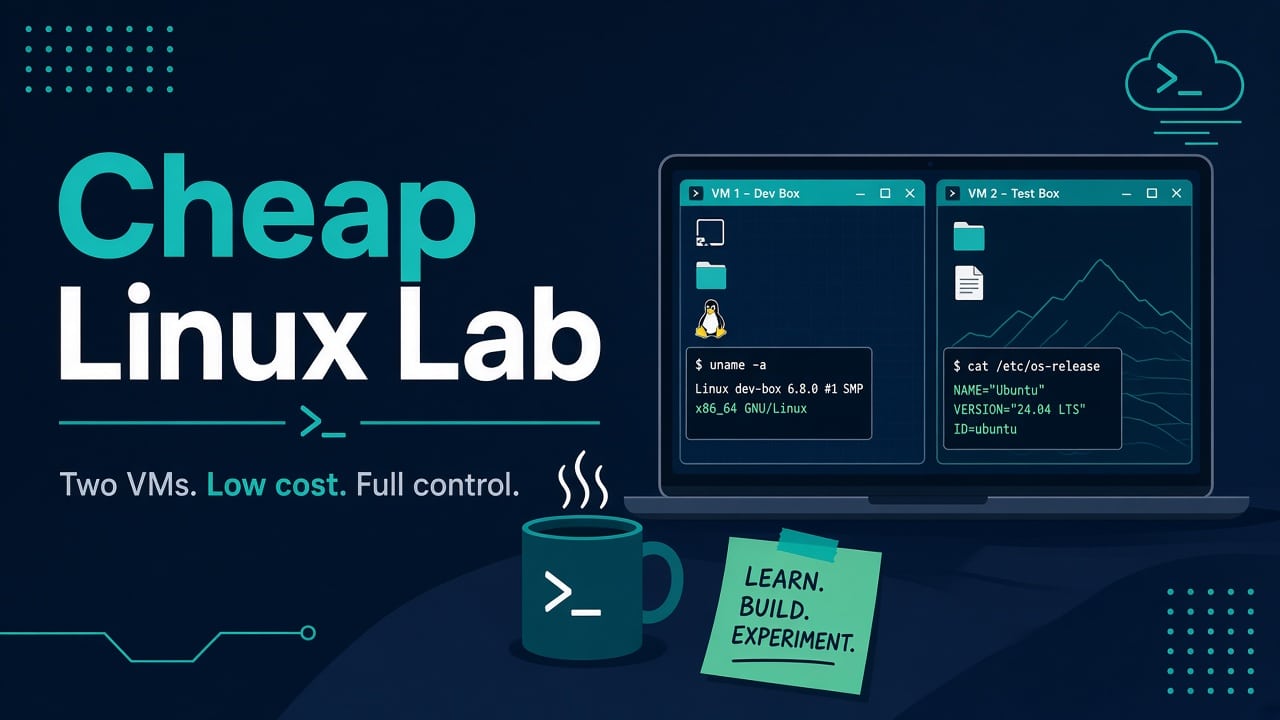
A common first lab is a single Ubuntu VM with every tool installed “just in case,” and it teaches very little. A better lab has two small guests, a snapshot habit, and a notebook of failures. That setup gives you stories you can defend in a room: broken SSH keys, a filled disk, a systemd unit that will not start, an nginx 502 you caused on purpose.
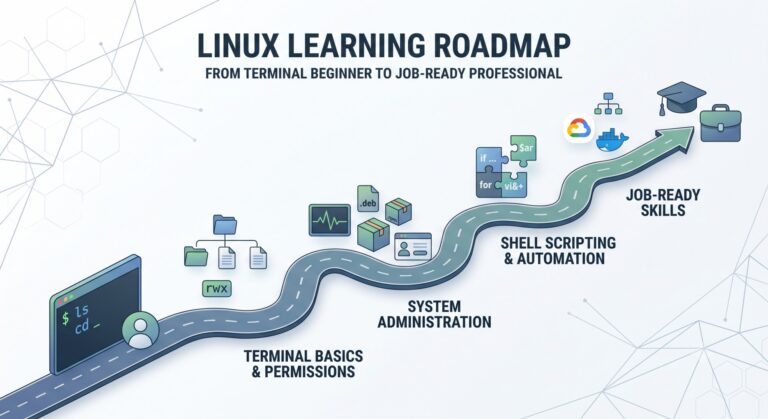
Hiring conversations rarely reward finishing a video playlist. They reward whether you have broken something and fixed it under mild pressure. A cheap Linux lab is how you get those stories without touching production. Pair the practice with a spine — beginner roadmap or the Linux SysAdmin Bootcamp — so you are not wandering.
What “looks like work” actually means
Work is boring reliability: SSH keys, separate users, services that restart, disks that fill, DNS that lies, logs you have to read. Your lab should recreate those friction points on purpose.
- At least two Linux guests (web + DB, or app + jump host)
- One bastion habit — you do not SSH straight to everything from your laptop forever
- Snapshots before experiments
- A markdown notebook of what broke and what fixed it
Opinion: empty VMs teach more than a kitchen-sink ISO. Skip installing every trendy tool on day one. Add tools when a drill needs them.
Common wrong assumption: “One powerful VM equals a lab.” One VM hides networking, blast radius, and jump-host thinking. Two small guests beat one fat all-in-one.
Hardware and budget — what actually works
You do not need a Xeon.
- Laptop + VirtualBox or KVM — free; fine for two light Ubuntu/Rocky guests
- Old office PC — 8–16 GB RAM, SSD if you can; Proxmox later if you get curious
- Cloud free tier — one small VM is enough for SSH and systemd drills; watch the bill and turn it off
RAM rule of thumb: host OS + 1–2 GB per guest. Two 2 GB servers beat one 8 GB “everything machine.” Disk: thin provision, keep ISOs elsewhere, prune snapshots weekly or your SSD fills — then you will need the disk full playbook for real.
Pick a distro like an employer
For job readiness in 2026, practice on what shops run:
- Ubuntu Server LTS — common on cloud and startups
- Rocky or Alma — RHEL-shaped muscle memory for enterprises
Run one of each if RAM allows. Distro wars do not get you hired; being calm on both apt and dnf does — practice with apt and dnf like an admin. CentOS Stream vs old CentOS still confuses people; skim CentOS vs Stream so you do not freeze when someone uses the wrong name.
Minimum network topology that teaches
[Your laptop]
    |
[Host hypervisor]
    |-- lab-bastion  (SSH from host only)
    |-- lab-web      (HTTP on private net)
    |-- lab-db       (Postgres/MySQL, no public IP)
Default NAT is fine on day one. Then graduate to host-only or bridged with static IPs. Break DNS on purpose later and fix it with the same checklist you would use at work: DNS not resolving. Practice ss, curl, and “who owns this port” — address already in use shows up in every junior’s first week.
Day-one install checklist (then snapshot)
- Install OpenSSH server; disable password auth after keys work
- Create a non-root sudo user; stop living as root
- Set hostname and
/etc/hostsentries for lab mates - Enable automatic security updates or a deliberate patch window — pick one and write it down
- Take a clean snapshot named
fresh-after-base
sudo apt update && sudo apt install -y openssh-server curl vim
# or on Rocky/Alma:
sudo dnf install -y openssh-server curl vim
SSH pain is normal. When keys fail, do not thrash — follow permission denied (publickey) and harden calmly with the SSH hardening checklist. Lab lockouts teach console/VNC recovery. That recovery skill is the point.
Success look: from your laptop you can ssh user@lab-bastion, then from there reach lab-web and lab-db by private IP/hostname. Password auth is off. Snapshot exists.
If still stuck on networking: draw the interfaces on paper. Note which adapter is NAT vs host-only. Wrong adapter is the usual culprit, not “Linux networking is broken.”
Drills that create interview-ready stories
Do these with the notebook open. Write the commands that mattered, not a novel.
- nginx 502: deploy a tiny site, break the upstream, read the error log — 502 fix.
- systemd failure: write a unit for a script, break
ExecStart, fix viajournalctl— unit failed to start. - Disk pressure: fill a playground mount with a big file; practice
df/duwithout deleting the wrong tree. - Cron PATH: schedule a job that “forgets” PATH; wrap it properly — cron checklist and cron wrapping.
A one-page runbook per drill beats a vague claim that you “know Linux.” Interviewers can tell the difference between someone who watched a debug and someone who did one.
Tradeoff: drills take evenings. Tool collecting feels faster and teaches less. I would rather see three messy notebook entries than thirty installed snaps you never used.
Ethics and lab hygiene
Your lab is for learning ops and defensive habits. Do not point scanners at random internet hosts “for practice.” Do not store real customer data in toy databases. Do not reuse production passwords in lab notes you will push to GitHub.
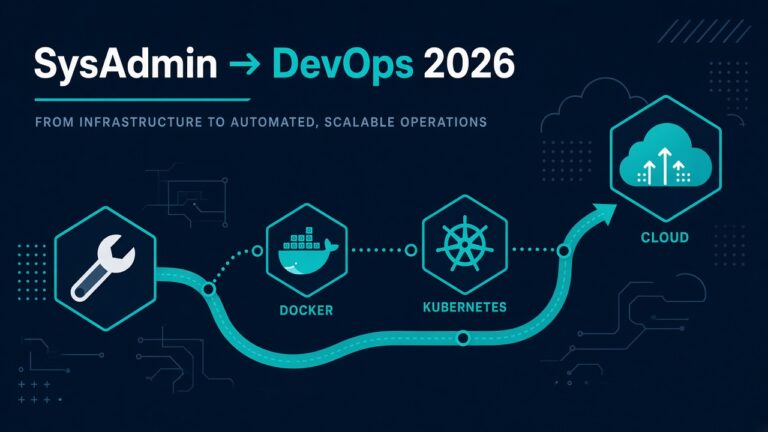
If you aim at security-adjacent roles later, keep scope clean: your VMs, your cloud account, written permission. Containers and Ansible come after you can survive bare Linux — sequence in the SysAdmin→DevOps roadmap.
Weekly rhythm that sticks
- Week A: break and fix SSH + users
- Week B: one service + logs + restart proof
- Week C: disk or DNS incident drill
- Week D: write a short Bash wrapper; snap before/after
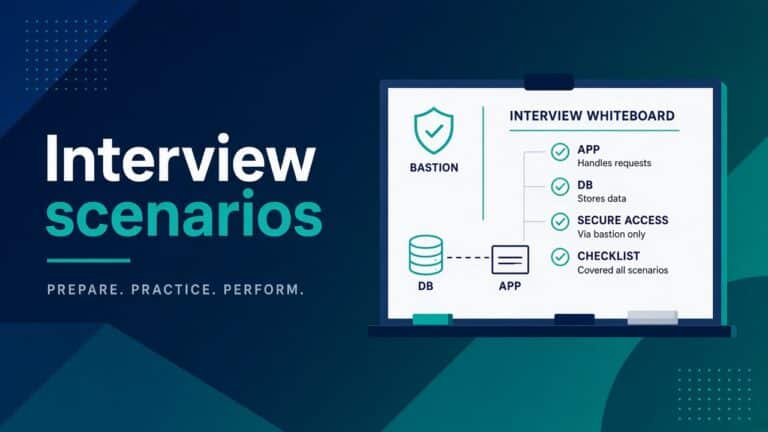
Reuse the same VMs. Destroying and rebuilding from the fresh-after-base snapshot is allowed — that is the lab. For scenario practice under interview framing, see sysadmin interview scenarios.
Next action: create the second guest today, even if it is empty. The empty guest is the feature.
What to write in the notebook (so the story survives)
After each drill, capture four lines:
- Symptom (exact error or metric)
- Proof command and a short paste of healthy vs broken output
- Fix that actually worked
- What you would check first next time
That is enough to talk for five minutes in an interview without inventing heroics. If you cannot fill those four lines, the drill was too vague — tighten it.
Backup the notebook off the lab disk. Labs die; notes should not.
FAQ — real doubts
Is WSL enough?
WSL2 is great for daily command practice. Keep at least one real VM (or cloud VM) for boot, systemd, disk, and networking drills WSL hides.
How much RAM is enough for two guests?
On a 16 GB laptop: host + two 2 GB guests is comfortable. On 8 GB: one guest at a time, or very small guests and patience. Swap will lie to you about performance.
Should I learn Kubernetes in the lab first?
No. Get SSH, systemd, disks, and one web stack calm first. Compose can come next. Kubernetes before that is how people memorize YAML and still panic at df.
What if my laptop cannot run VMs?
One cloud free-tier VM plus disciplined snapshots/backups is enough to start. Timers off when idle. The bill is part of the learning.
Sources
Related: Installing desktop apps in your lab as AppImages? If one will not start, see why an AppImage won’t run on Linux.