MySQL/MariaDB Connection Refused: Checklist That Fixes It
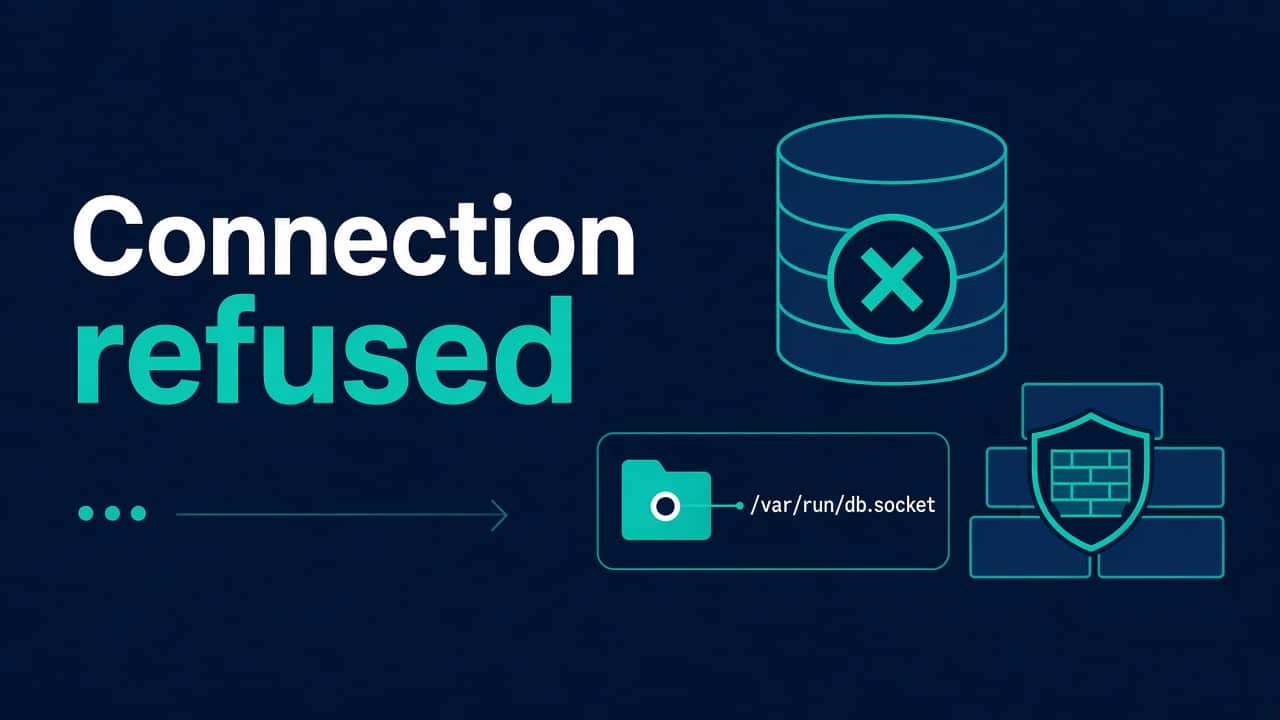
ERROR 2002 (HY000): Can't connect to MySQL server / Connection refused. Not “wrong password.” Refused means your client reached an IP:port where nothing accepted the connection — or never reached the host at all and the message got summarized loosely. We verify.
I run this checklist in order. Jumping straight to “reset root password” wastes an hour when mysqld simply isn’t listening on 0.0.0.0.
Is the service up?
sudo systemctl status mysql
# or
sudo systemctl status mariadb
sudo journalctl -u mysql -n 80 --no-pager
Failed unit? Stop and do systemd failed to start. Common causes: disk full InnoDB panic, bad config after an edit, corrupt socket path assumptions. Disk: df du lsof. Memory death: OOM killer.
Socket vs TCP — know which path you use
On the same host, clients often use a Unix socket (/var/run/mysqld/mysqld.sock). From another host, you need TCP.
sudo ss -ltnp | grep -E '3306|mysql'
ls -l /var/run/mysqld/mysqld.sock /run/mysqld/mysqld.sock 2>/dev/null
mysqladmin ping
mysqladmin --protocol=TCP --host=127.0.0.1 ping
App config saying localhost may mean socket on Linux. 127.0.0.1 forces TCP. That single difference explains a lot of “works in CLI, fails in app.”
bind-address — the usual villain
# config often in
# /etc/mysql/mysql.conf.d/mysqld.cnf
# /etc/my.cnf.d/server.cnf
grep -R "bind-address" /etc/mysql/ /etc/my.cnf* 2>/dev/null
bind-address = 127.0.0.1 means only local TCP. Remote app servers get connection refused (or timeout if a firewall drops). For remote access you either:
- Bind to a private interface / VPC address, or
- Keep bind local and use an SSH tunnel / proxy — often wiser
Opening 3306 to 0.0.0.0/0 on a public IP is how ransomware finds hobbies. Prefer private networks and security groups — mindset in fail2ban vs security groups.
Firewall and security groups
# from the app host
nc -vz db.internal 3306
# or
timeout 3 bash -c 'echo >/dev/tcp/db.internal/3306' && echo open || echo closed
Refused vs timeout: refused often means reached the host, no listener (or RST). Timeout often means filtered. Cloud SG forgetting the app SG source is a classic.
User grants are not “connection refused”
Wrong password / host not allowed usually shows access denied once TCP connects. Still verify:
SELECT user, host FROM mysql.user;
SHOW GRANTS FOR 'app'@'10.0.%';
People conflate errors under stress. Read the code.
Containers and Compose
DB in Compose: app should use service name as host, not 127.0.0.1 (that’s the app container itself). Publish 3306 to localhost on the VM only if host-side tools need it.
docker compose ps
docker compose logs db --tail=100
More ops notes: Docker Compose for ops. Port fights: address already in use.
Max connections and “feels like refused”
Sometimes the server is up but saturated; clients see odd errors. Check:
SHOW GLOBAL STATUS LIKE 'Max_used_connections';
SHOW VARIABLES LIKE 'max_connections';
Connection storms after a bad deploy are real. Fix the pool size in the app; don’t only raise max_connections forever.
DNS surprises
App points at db.prod.example that no longer resolves or resolves to an old IP. Then you get refuse/timeout depending on what’s at that address. Check DNS not resolving before reinstalling MySQL.
Example: bind-address and the “temporary” public IP
Picture a database listening on all interfaces “so the BI tool can work,” with the security group open to the office IP. The office IP changes after an ISP shuffle and everyone sees timeouts. A vendor VPN would have been the better design. The boring, durable fix is to bind to the private IP, put the BI tool behind a working VPN, and allow port 3306 only from the intended VPN clients.
Checklist
- systemctl / journal — is mysqld alive?
ss— listening on expected port/socket?- Client path — socket vs TCP vs hostname
- bind-address vs required topology
- SG/firewall from this client
- Only then: users/grants/passwords
- Resource exhaustion / OOM / disk
Nginx in front throwing 502 because PHP can’t reach DB? Fix DB connectivity; the proxy is the messenger — 502 guide.
Less obvious causes
If the service is up and the bind address is right, check these.
skip-networking and forgotten bind changes
Old tutorials mention skip-networking. If that’s on, TCP is dead — socket only. Fine for a locked-down single-host app; fatal for a remote app tier. grep it, remove it if you need TCP, restart, recheck ss.
grep -R "skip-networking" /etc/mysql/ /etc/my.cnf* 2>/dev/null
App pool settings that stampede the DB
Each web worker opens N connections. Workers × hosts × N = surprise. DB hits max_connections; new clients fail in ugly ways. Fix pools before celebrating a bigger instance type.
The same stampede happens with serverless workers, not just PHP-FPM — see MongoDB connection management for AWS Lambda for the equivalent math when it’s Lambda containers times a connection pool instead of web workers.
PHP-FPM pm.max_children math belongs next to MySQL max_connections on the same whiteboard. When FPM dies under load you may see nginx 502 first.
TLS to MySQL (when someone enabled it halfway)
Client requires SSL; server isn’t configured — or the opposite. Errors differ by client library. If you recently “tightened security,” check whether connection refused is actually a TLS handshake failure misreported by a wrapper script. Read the raw client error.
Replica / VIP / managed DB confusion
Apps pointed at a writer VIP that moved; security group allows the old IP; DNS TTLs lie for a bit. Trace:
getent hosts db.prod.example
dig +short db.prod.example
nc -vz THAT_IP 3306
DNS layer: DNS not resolving. Managed DBs (RDS etc.) need SG on the database allowing the app SG — not your laptop’s IP from last week’s debug.
Recovering after disk-full InnoDB drama
MySQL often refuses to start cleanly when the disk filled mid-write. You get connection refused because the service is dead. Free disk, check journal, don’t delete ibdata files because a forum said so. Follow disk full then systemd.
Minimal monitoring
- Process / unit up
- TCP 3306 locally
- Replication lag if applicable
- Connections used vs max
- Disk on the datadir mount
Automate user creation carefully later with Ansible — after you can fix refused connections half-asleep without the role.
Socket path mismatches after upgrades
Distro upgrades move sockets. App still points at /tmp/mysql.sock or an old /var/run path. CLI works because it reads the new client defaults. Align socket= in app config with the running server.
mysqladmin variables | grep socket
# or
mysqld --verbose --help 2>/dev/null | grep "^socket"
ProxySQL / HAProxy in the middle
Connection refused might be the proxy, not MySQL. Check the proxy listen port and backends. I’ve yelled at mysqld while HAProxy was down. Diagram the path: app → proxy → DB.
sudo ss -ltnp | grep -E '3306|6033|3307'
Time and auth plugins (adjacent confusion)
Not “refused,” but tickets get mixed: caching_sha2_password vs old clients, clock skew with some auth setups. Once TCP connects, read the real error. Don’t reset bind-address because of an auth plugin mismatch.
FAQ
Works as root on the server, fails from app?
Grants for app@app-host, bind-address, or firewall. Local root via socket proves mysqld runs — not that remote TCP works.
MariaDB vs MySQL difference here?
Same class of errors. Unit names and paths differ slightly; the checklist holds.
Should I debug with telnet?
nc -vz is enough for port open. Don’t send raw junk into production DB ports for fun.
SELinux?
Can block remote mysqld or weird contexts on sockets — SELinux denials if enforcing and symptoms smell like policy.
Skills ladder?
Bootcamp, courses hub, then automate grants carefully with Ansible roles once manual fixes are muscle memory.