Docker Compose for Ops People (Not Microservice Cosplay)
A client once had docker-compose.yml for the old app and compose.yaml for the new app on the same VM. Both mapped host port 80. Deploy “succeeded.” Half the traffic hit the wrong stack. Compose did not fail them — undisciplined ports and two files fighting did.
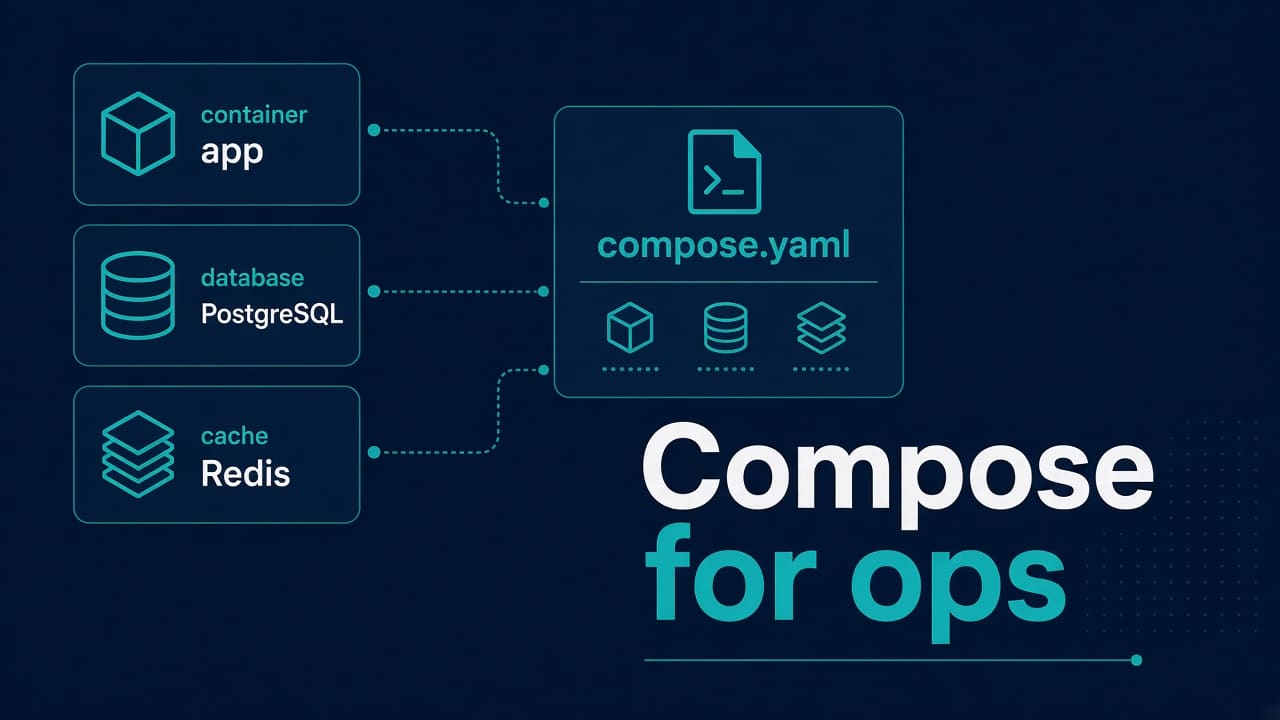
Compose is a YAML file that says “these containers, these networks, these volumes” so you stop retyping docker run with seventeen flags. Ops people need boring reliability on one host or a small fleet. Microservice conference slides can wait. If you are still wiring reverse proxies, keep nginx 502 and SSL expiry bookmarked.
When Compose is the right tool (and when it is not)
Right: one VM, a handful of services, reproducible restarts; stage/dev parity without inventing a platform team; sidecars like app + redis.
Wrong: multi-node schedulers, service meshes, “we might scale to Mars.” That is Kubernetes territory later — see the SysAdmin→DevOps roadmap.
Opinion: Compose on a well-managed VM beats a half-understood cluster for many SMB workloads in 2026. Complexity is not free.
Minimal compose that won’t rot next month
services:
  web:
    image: ghcr.io/example/app:1.4.2
    restart: unless-stopped
    env_file: ./env/web.env
    ports:
      - "127.0.0.1:3000:3000"
    volumes:
      - web_data:/var/lib/app
    logging:
      driver: json-file
      options:
        max-size: "50m"
        max-file: "5"
    depends_on:
      - db
    mem_limit: 512m

  db:
    image: docker.io/library/postgres:16
    restart: unless-stopped
    environment:
      POSTGRES_PASSWORD_FILE: /run/secrets/db_password
    volumes:
      - pg_data:/var/lib/postgresql/data
    ports:
      - "127.0.0.1:5432:5432"

volumes:
  web_data:
  pg_data:
Pin tags. latest is how Friday deploys become archaeology. Bind publish to 127.0.0.1 when nginx on the host terminates TLS — do not expose Postgres to the world “for a minute.”
Common wrong assumption: "3000:3000" is “local.” On Linux that publishes on 0.0.0.0:3000 unless you prefix 127.0.0.1:. Pair with cloud security groups. If something else grabbed the host port, you meet address already in use and maybe a mysterious 502 when the proxy points at emptiness.
How to check before and after deploy
docker compose config          # YAML still valid?
docker compose ps
sudo ss -ltnp | grep -E '3000|5432|80|443'
docker compose logs --tail=100 web
Success: only expected listeners; app health URL returns what you designed; logs are not a crash loop; docker compose ps shows healthy/up states you recognize.
If you have both docker-compose.yml and compose.yaml, pick one naming scheme and delete or rename the other. Ambiguity is an outage generator.
Restarts, crash loops, and OOM
restart: unless-stopped is my default for long-running services. Watch for crash loops that eat CPU and fill logs.
docker compose logs -f --tail=100 web
docker inspect "$(docker compose ps -q web)" --format '{{.State.OOMKilled}} {{.State.ExitCode}}'
OOM inside a container still matters on the host — OOM killer explained. Set mem_limit when you know the budget. Unlimited containers on a small VM are how one noisy neighbor becomes everyone’s incident.
If still stuck in a restart loop: disable restart temporarily, run the container foreground, read the first error, fix env/secrets/permissions, then re-enable. Blind compose up -d spam only multiplies log noise.
Volumes, backups, and disk
Named volumes are easy to forget during backups. Know where Docker keeps data (/var/lib/docker on many installs) and that docker compose down -v deletes volumes named in the file.
docker compose images
docker system df
# prune only after you know what you will lose
Image layers and build cache love eating disks. For production, prefer explicit retention over panic prune. Disk triage when it is already late: df, du, lsof, inodes.
Tradeoff: bind-mounting host paths is convenient for config you edit live; named volumes are cleaner for data you must back up as a unit. Pick deliberately per service.
Logs that will not fill the root filesystem
The logging block in the sample is not decoration. Without size caps, a chatty app fills the disk and then every container looks “mysteriously broken.” Cap size and file count. Ship important logs off-box if you need long retention.
On SELinux-enforcing hosts, volume mounts can fail with permission denials that look like app bugs — SELinux permission denied. Fix labels or design; do not setenforce 0 as a lifestyle.
Step-by-step: first useful deploy habit
- Pin image digests or immutable tags in git.
- Keep secrets in root-owned env files or Docker secrets — not in the YAML committed to a public repo.
- Publish app ports on localhost; terminate TLS on host nginx/Caddy or a cloud LB.
docker compose pull && docker compose up -din a change window.- Prove with
curl/ss/logs before you leave the window. - Document how to roll back (previous tag +
up -d).
DB connection issues after “it worked on my laptop” are often publish-address, password file path, or DNS inside the compose network — connection refused and DNS troubleshooting still apply inside containers.
Compose vs systemd
Some teams wrap docker compose up in a systemd unit for boot behavior. That can work. Do not double-manage restarts (systemd restarting compose while compose restarts containers) without understanding the matrix. If a unit fails, read it like any other service — systemd failed to start.
When you need the same baseline on many hosts (users, sshd), Ansible still belongs beside Compose — first useful role.
Next action: open your current compose file, pin every latest, and change published ports to 127.0.0.1: unless you have a written reason not to.
Networking notes ops actually needs
Services on the same compose project share a default network and can reach each other by service name (db, web). That DNS is not your host’s DNS. When an app config still says 127.0.0.1:5432 inside the web container, it is talking to itself — not the db service. Use db:5432 (or whatever you named it).
Host nginx proxying to 127.0.0.1:3000 is the usual pattern when you published the app port on localhost. If you publish nothing and use a reverse proxy container instead, keep TLS and cert renewals owned by someone with a calendar — expired certs still wake you up.
Wrong assumption: depends_on means the database is ready. It means the container started. Use healthchecks or retry logic in the app for real readiness.
# example healthcheck sketch for postgres service
healthcheck:
  test: ["CMD-SHELL", "pg_isready -U postgres"]
  interval: 5s
  timeout: 5s
  retries: 10
Then you can use Compose condition forms on newer versions, or simply teach the app to retry. Either beats assuming boot order equals ready.
A calm rollback
- Note the currently running tag:
docker compose images. - Change the tag in git (or checkout the previous commit).
docker compose pull && docker compose up -d.- Prove health. If worse, repeat with the known-good tag.
Avoid “hotfix in the container” as the normal path. Writable containers drift and lie to the next deploy.
FAQ — real doubts
Is Compose production-ready?
For single-host and small fleets with disciplined pins, backups, and logging — yes, many shops run that way. It is not a multi-AZ scheduler. Call it what it is.
docker compose vs docker-compose?
Prefer the plugin form docker compose on modern Docker. Old standalone binary still appears in docs; behavior is close enough that args matter more than the hyphen.
Should I put databases in Compose?
For lab and many small prod hosts, yes with named volumes and backups you have tested. For large managed DB services, let the cloud run the engine and keep Compose for the app tier.
How do I handle secrets?
Env files with tight permissions, Docker secrets, or an external manager. Never commit production passwords beside the YAML in a public git repo.