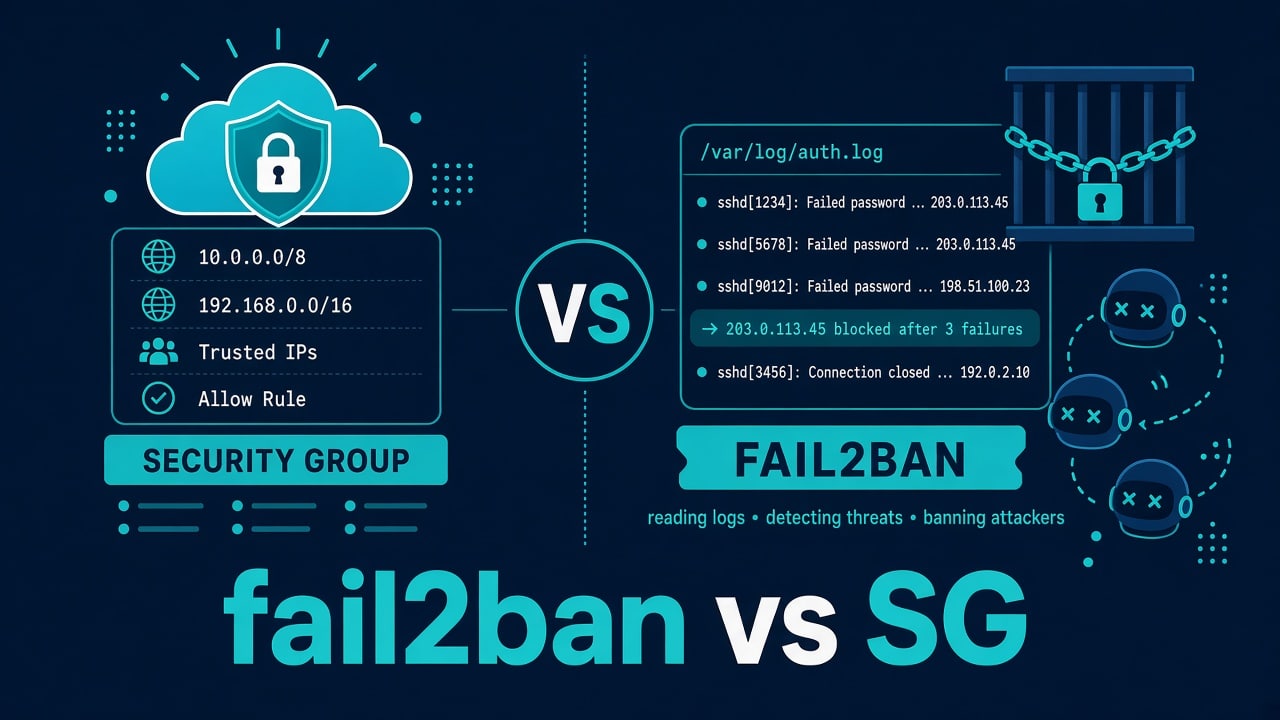
fail2ban vs Cloud Security Groups: What Actually Stops the Bots
Someone on the internet is hammering your SSH port. Someone else says “just install fail2ban.” A third person says “security groups already got you.” Both tools are useful. They are not the same layer. Mixing them up is how you get false comfort.
Over chai: security groups (and NSGs, firewall rules, iptables/nft basics) decide what can talk to a port at all. fail2ban reads logs and bans offenders who already reached a service. Different jobs.
Cloud security groups — the bouncer at the door
In AWS/GCP/Azure land, the security group / firewall rule is evaluated before traffic enjoys your VM’s userspace. If SSH is open to 0.0.0.0/0, every bot can knock. If SSH is open only to your office IP or bastion, most of the noise never arrives.
- Good at: shrinking attack surface, forcing bastion/VPN paths, blocking whole ports
- Bad at: noticing application-level abuse on an intentionally public port (web login, WordPress admin)
RDP left open to the world is its own nightmare — Windows RDP can’t connect troubleshooting often starts with “why is 3389 public?”
fail2ban — the bouncer who reads the guest list after they walk in
fail2ban tails logs (sshd, nginx, etc.), matches regex jails, and inserts firewall bans (iptables/nft/firewalld) for offending IPs.
- Good at: cutting repeated auth failures on services you must expose
- Bad at: replacing “don’t expose Postgres to the internet”
- Also bad at: saving you when logs aren’t written, disk is full, or the jail regex is wrong
sudo systemctl status fail2ban
sudo fail2ban-client status
sudo fail2ban-client status sshd
What actually stops the bots (ranked like an adult)
- Don’t expose the port
- Expose only to known CIDRs / private connectivity
- Key-only SSH, no password auth — SSH hardening checklist
- fail2ban / WAF / rate limits for the services that must be public
- Hope (not on the list)
fail2ban on a wide-open password SSH is mopping while the tap runs. Fix auth and exposure first.
A sane combo I use
- SG: SSH from bastion / VPN CIDR only
- SG: 80/443 public if it’s a web box
- fail2ban: nginx auth jails, maybe sshd if you temporarily opened wider access
- Keys only; optional AllowUsers
Web form spam is another lane — contact form not sending is delivery; bot floods need captcha/WAF/rate limits, not only fail2ban.
fail2ban footguns to watch for
- Banning yourself via a shared NAT office IP — keep ignores
- Jails pointing at old log paths after a distro upgrade
- Disk full → no logs → no bans → surprise — disk full
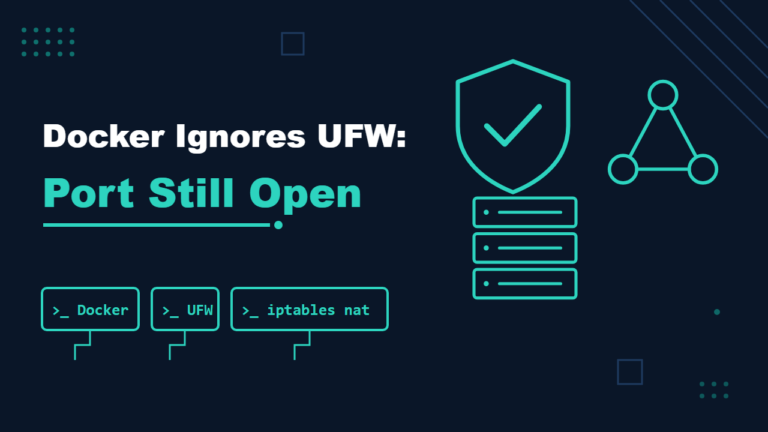
- Docker’s iptables interplay making bans confusing — test from outside
# whitelist yourself carefully
# jail.local excerpt idea:
# [DEFAULT]
# ignoreip = 127.0.0.1/8 ::1 203.0.113.10
Security group footguns
- “Temporary 0.0.0.0/0” that becomes permanent
- Editing the wrong SG attached to a different NIC
- Assuming SG alone stops layer-7 attacks on open 443
- IPv6 rules forgotten while IPv4 looks locked down
Host firewall vs cloud SG
ufw/firewalld/nft on the host still matter for defense in depth, especially if someone mis-clicks a cloud rule. Don’t run three overlapping systems with no diagram. Pick a source of truth, document it.
Example: fail2ban “working,” bots still winning
Imagine SSH is key-only (good), port 22 is open to the world (meh), and fail2ban is banning scanners (fine). The real weakness is a forgotten VNC-like admin panel on another port with a weak password, covered by no jail and allowed through the security group because a vendor asked for it years ago. Bots don’t only speak SSH. List listening sockets with sudo ss -lntup, compare them with your firewall and security-group rules, and review the cloud rules quarterly.
Port confusion debugging: port already in use. Service died after a ban storm overloaded auth? Check load average and systemd failures.
Operational details
What to check once both layers are in place.
Automating the baseline
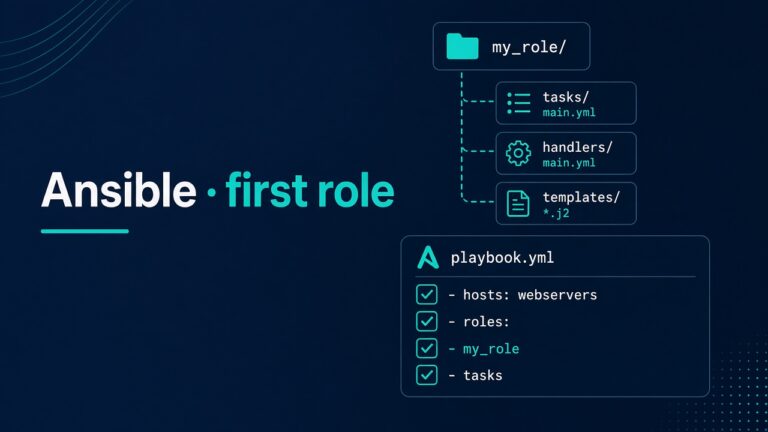
Ansible can install fail2ban and drop jail.local — after you’ve earned SSH safety. Start with your first useful Ansible role, then add a small fail2ban role. Don’t auto-ban before ignoreip is set.
How to verify a ban actually landed
sudo fail2ban-client status sshd
sudo iptables -S | grep -i fail2ban
# or nft:
sudo nft list ruleset | grep -i fail2ban
If the jail shows bans but iptables/nft has nothing, your banaction is wrong for this distro. Fix the action; don’t assume the dashboard lied in your favor.
Shared NAT and collateral damage
Entire offices share one public IP. One junior fails SSH passwords fifty times — fail2ban bans the office. Ignorelists and VPN egress IPs matter. For HTTP basic-auth jails, banning a mobile carrier CGNAT can look like “the internet is broken” for random users.
Rate limits at the reverse proxy
For public web apps, nginx limit_req often helps before fail2ban. fail2ban still helps for repeated 401/404 patterns if you wire jails carefully. Pick one primary control so you can reason about it at 3 AM.
limit_req_zone $binary_remote_addr zone=login:10m rate=5r/m;
location /wp-login.php {
    limit_req zone=login burst=10 nodelay;
    # … proxy/fastcgi
}
Misconfigured nginx is still a 502 factory — 502 guide.
Bastion pattern beats romantic hardening
Public SSH on every node + fail2ban everywhere is noisier than: SG allows SSH only from bastion; bastion has keys, logging, maybe fail2ban; nodes trust only the bastion CIDR. Fewer doors, fewer jails to babysit.
Key problems on the bastion still happen — publickey denied. Keep console access documented.
Compliance theater vs real reduction
A PDF that says “we run fail2ban” doesn’t help if 3306 is public. Measure open ports quarterly. Compare cloud SG exports with ss -ltnp on the host. Drift between them is where bots feed.
sudo ss -ltnp
# paste next to your SG screenshot in the audit note
When to reach for a WAF
Application-layer nonsense (SQLi probes, expensive URLs) wants WAF/CDN rules. fail2ban can approximate with log regexes but you’ll maintain pain. Use the blunt tool for blunt abuse; use WAF for HTTP creativity. WordPress form and mail issues stay their own thread: contact form not sending.
IPv6: the forgotten twin
You locked IPv4 SSH to the office. IPv6 still allows ::/0. Bots speak IPv6. Check both rule sets in the cloud console and on the host.
sudo ss -ltnp
ip -6 addr
# cloud: audit SG/NACL for ::/0 on admin ports
Recidive jail
fail2ban can ban repeat offenders longer via a recidive jail. Useful on noisy SSH when exposure is temporarily wide. Still not a substitute for closing the port to the world.
Watch for ban lists growing huge on a busy public honeypot-like IP — that itself costs CPU. Prefer shrinking exposure.
Pair with key-only and updates
Unpatched sshd + public port + password auth is a starter pack for regret. fail2ban won’t save a hole that size. Patch, keys, SG. Then jails. Order matters — same philosophy as the hardening checklist.
FAQ
Is fail2ban obsolete if I have a WAF?
Different layers. WAF helps HTTP. fail2ban still helps sshd and odd services. Overlap is OK if configs stay simple.
Should I change SSH to port 2222?
Reduces noise, not real attackers. Fine as spice; not the meal. Keys + restricted CIDR matter more.
Can fail2ban cause 502s?
It bans clients. If you ban a load balancer IP shared by real users, outages look weird. Ban carefully at HTTP layers.
What about SELinux?
Separate control. Misconfigured SELinux denies, it doesn’t rate-limit bots — SELinux denials.
Where to learn the networking floor?
Beginner roadmap, courses, and practice reading SG rules aloud like a runbook.